
TypeUI
Design system platform that provides structured design context to AI coding tools through SKILL.md files and MCP integration.
Community:


Product Overview
What is TypeUI?
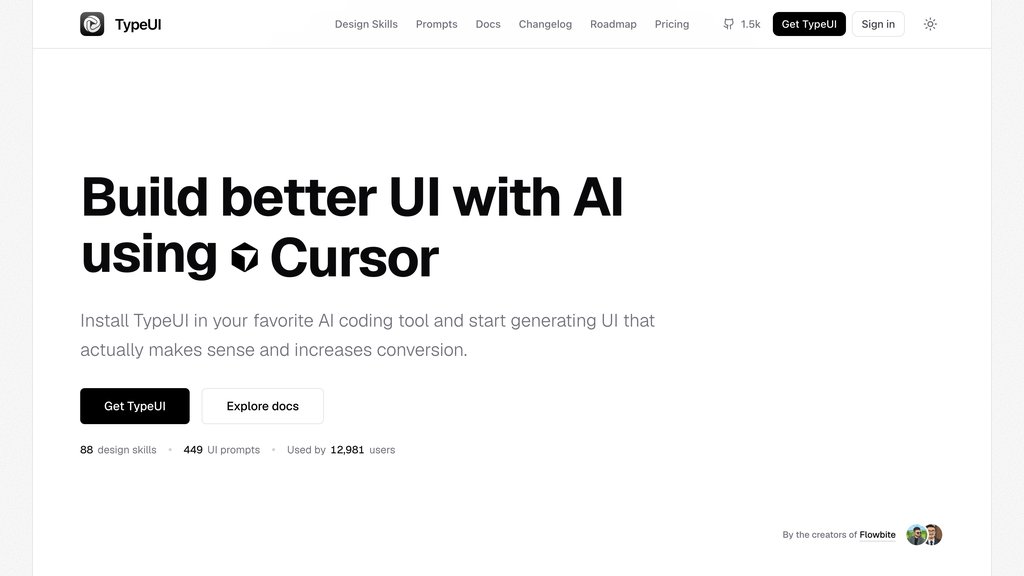
TypeUI is a platform that gives AI coding tools the design context they need to build better user interfaces. It enables developers to create or import design systems, publish them to a workspace, and connect AI coding tools like Codex, Claude, Cursor, and others so they can follow specific design styles while building. The platform works through SKILL.md files—structured markdown documents that encode design system specifications including typography, colors, spacing, components, and accessibility rules in a format AI agents can read and follow consistently.
Key Features
Design System Creation
Create design systems from TypeUI themes, markdown files, or Figma imports with interactive prompts covering colors, fonts, spacing, and components.
CLI Tool Integration
Open-source CLI tool with commands to generate, update, pull, and list design skill files directly in your terminal for seamless workflow integration.
MCP Server Support
Connect AI coding tools to TypeUI MCP server at https://mcp.typeui.sh/mcp to serve design systems, UI prompts, and layout variations to supported agents.
Public Design Registry
Access curated design skill files from a public registry with handcrafted designs tested across major AI coding agents like Claude Code, Cursor, and Codex.
Multi-Tool Compatibility
Supports 20+ AI coding tools including Codex, Claude, Cursor, Grok, VS Code, GitHub Copilot, Windsurf, JetBrains, Zed, Cline, and Lovable.
Use Cases
- Consistent UI Development : Ensure AI-generated code follows your design system specifications for typography, colors, spacing, and component structures across all project pages.
- Rapid Prototyping : Pull ready-made design skills from the registry to quickly apply consistent, beautiful design layers on top of AI-generated code for new projects.
- Design System Management : Generate and manage SKILL.md files that act as the ultimate source of truth for your design system and style guide within your project.
- Team Collaboration : Share design system specifications across team members so all AI coding agents follow the same design rules and component structures.
FAQs
TypeUI Alternatives

Magic Patterns
AI-powered prototyping platform that transforms user stories into interactive UI designs instantly, enabling seamless team collaboration and rapid product iteration.

Superdesign
Open-source design agent that generates UI mockups, components, and wireframes directly inside your IDE using natural language prompts.

Pencil
Design canvas integrated into your IDE with version control, enabling developers to design and code within a single environment without leaving the codebase.

Motiff
AI-powered professional UI design tool that generates interface drafts instantly and streamlines design workflows with advanced AI features.

Floto
A Figma plugin that brings design audits, synthetic persona testing, and real user interviews directly into the design canvas.

Ant Design System for Figma
Comprehensive UI kit for Figma based on Ant Design, enabling rapid, consistent app design with well-organized, customizable components.

Figr Identity
AI-powered Figma plugin that automates design system creation, enabling fast generation of design tokens, components, and style guides.

Modeinspect
Visual design canvas that connects directly to codebases, enabling teams to edit, prototype, and ship production UI without throwaway mockups.