
Pencil
Design canvas integrated into your IDE with version control, enabling developers to design and code within a single environment without leaving the codebase.
Community:


Product Overview
What is Pencil?
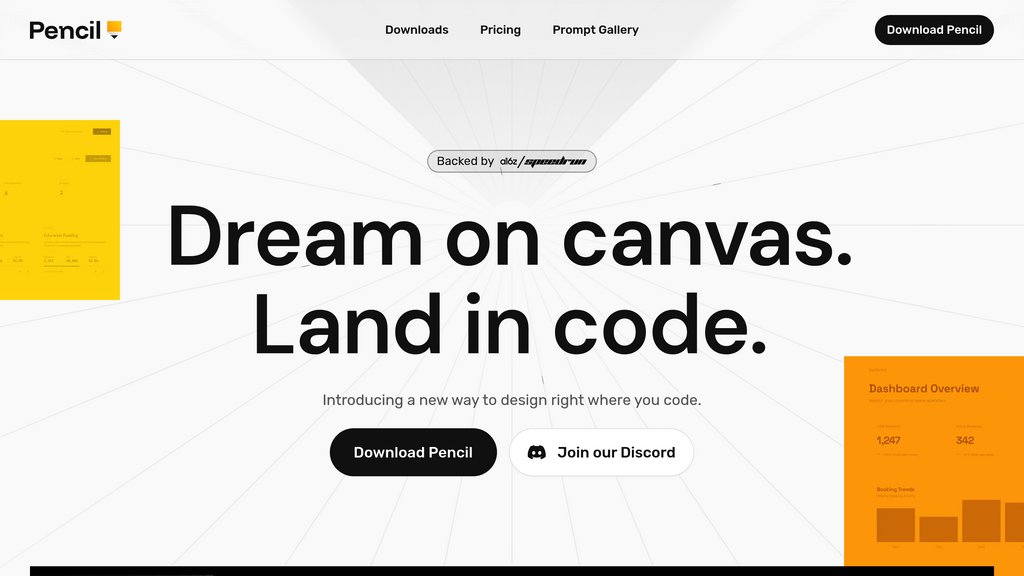
Pencil is an agent-driven design canvas built on an open design format that lives directly within your codebase and IDE (Cursor, VS Code, Claude Code). It eliminates the traditional design-to-code handoff by bringing a pixel-perfect vector canvas into your development environment. Design files are stored as version-controlled JSON-based files (.pen format) in your Git repository, allowing teams to manage designs using the same branching, merging, and collaboration workflows as code. Pencil integrates with Claude Code, supports component-based design systems, and enables bidirectional workflows with Figma through copy-paste functionality. The platform uses a Model Context Protocol (MCP) architecture, allowing other tools and agents to read and write designs programmatically.
Key Features
Integrated Design Canvas
Pixel-perfect infinite WebGL canvas embedded directly within your IDE, eliminating context switching between design tools and code editors.
Git-Based Version Control
Design files stored as JSON in your repository enable version control, branching, and merging of designs alongside code using standard Git workflows.
Parallel AI Generation
Run multiple design agents simultaneously to explore different design directions, enabling rapid iteration and experimentation without linear workflows.
Component & Design Systems
Leverage pre-built component libraries and connect your team's existing design system directly from the codebase for consistency and reusability.
Figma Integration
Import designs from Figma through seamless copy-paste, with vectors, text, and styles transferring intact for smooth transition to code-integrated workflows.
MCP-Powered Extensibility
Full read and write access through Model Context Protocol allows integration with databases, APIs, charting libraries, Playwright/Puppeteer, and custom agents.
Use Cases
- Design-to-Code Acceleration : Product teams can design interfaces within the IDE and immediately generate production-ready code, collapsing the design handoff phase and reducing misalignment between design intent and implementation.
- Vibe Coding Workflows : Developers can iterate on UI/UX through high-level prompts and visual manipulation on canvas, combining the speed of agentic code generation with the precision control of visual design.
- Design System Governance : Organizations can enforce design consistency by embedding approved component libraries and design tokens directly in the codebase, making it impossible for developers to deviate without explicit version control changes.
- Collaborative Design & Development : Cross-functional teams can work synchronously on the same canvas through multiplayer features, with designers providing visual direction and developers implementing functional components in parallel.
- Rapid Prototyping : Quickly explore multiple design directions on a shared canvas, with the ability to branch designs just like code, then develop the winning iteration into a production application.
FAQs
Pencil Alternatives

Motiff
AI-powered professional UI design tool that generates interface drafts instantly and streamlines design workflows with advanced AI features.

Floto
A Figma plugin that brings design audits, synthetic persona testing, and real user interviews directly into the design canvas.

Ant Design System for Figma
Comprehensive UI kit for Figma based on Ant Design, enabling rapid, consistent app design with well-organized, customizable components.

Figr Identity
AI-powered Figma plugin that automates design system creation, enabling fast generation of design tokens, components, and style guides.

Modeinspect
Visual design canvas that connects directly to codebases, enabling teams to edit, prototype, and ship production UI without throwaway mockups.

Magic Patterns
AI-powered prototyping platform that transforms user stories into interactive UI designs instantly, enabling seamless team collaboration and rapid product iteration.

TypeUI
Design system platform that provides structured design context to AI coding tools through SKILL.md files and MCP integration.

Superdesign
Open-source design agent that generates UI mockups, components, and wireframes directly inside your IDE using natural language prompts.