
ChatGPT Add-in for Outlook
An Outlook add-in enabling users to leverage ChatGPT AI directly within Microsoft Outlook to automate email processing with customizable prompts.
Community:

Product Overview
What is ChatGPT Add-in for Outlook?
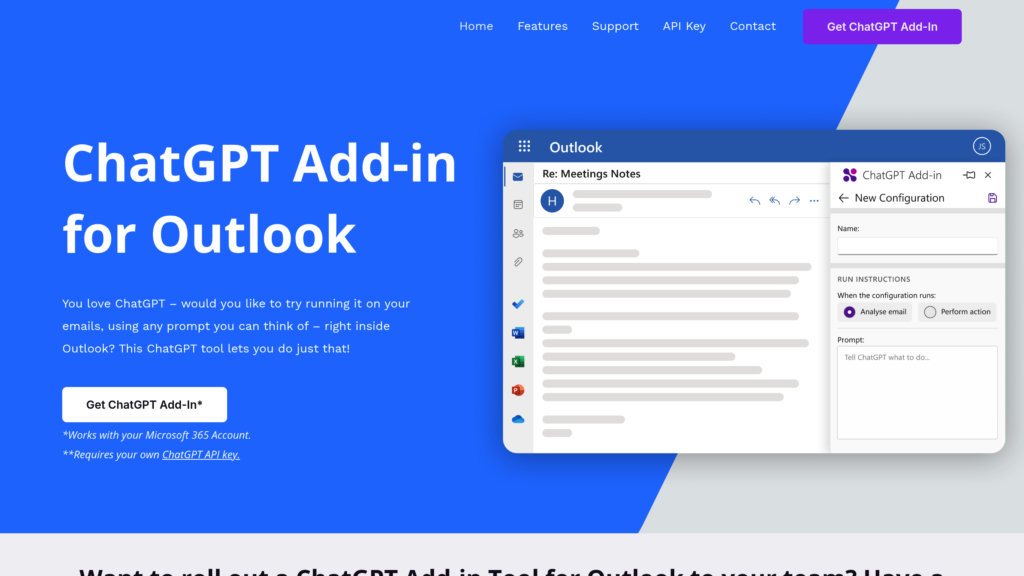
ChatGPT Add-in for Outlook by Blueberry Consultants integrates OpenAI's ChatGPT into Microsoft Outlook, allowing users to run AI-powered workflows on emails both in the inbox and during composition. Users can create and configure custom prompts to automate tasks such as summarizing emails, highlighting key points, improving grammar, translating text, and dynamically updating email importance. The add-in displays AI-generated output in a dedicated panel beside emails, enhancing productivity and email management. It requires a Microsoft 365 account and a user-provided OpenAI API key. The tool supports multiple configurations tailored to different email scenarios and is aimed at users familiar with ChatGPT who want to customize AI interactions within their email workflow.
Key Features
Custom Prompt Configuration
Users can define and run personalized ChatGPT prompts on selected or incoming emails to tailor AI responses to specific needs.
Selective Email Processing
Apply AI workflows to all emails or selectively based on criteria such as sender, recipient, or content triggers.
Separate Output Panel
AI-generated results are displayed in a clean, dedicated panel adjacent to the original email for easy comparison and reference.
Enhanced Email Composition
Configurable buttons allow users to run ChatGPT on selected text during email drafting to improve grammar, translate, or rephrase content.
Automatic Email Importance Updates
The add-in can dynamically adjust email priority flags based on AI analysis to help users prioritize critical messages.
Multiple Scenario Configurations
Manage different sets of prompts and conditions for various email types or workflows within the same add-in.
Use Cases
- Email Summarization : Quickly generate concise summaries of lengthy emails to grasp key points without reading the full content.
- Email Prioritization : Automatically flag important emails by analyzing content with AI to improve inbox management and response efficiency.
- Grammar and Language Enhancement : Improve email drafts by using AI to correct grammar, rephrase sentences, or translate text during composition.
- Custom Workflow Automation : Create tailored AI-driven processes for specific email handling scenarios, such as filtering, tagging, or highlighting.
- Team Deployment with Custom Prompts : Organizations can deploy customized versions of the add-in with proprietary prompts to standardize email processing across teams.
FAQs
ChatGPT Add-in for Outlook Alternatives

LanguageTool
AI-powered multilingual grammar, spelling, punctuation, and style checker for polished writing across 30+ languages.

Atomic Mail
A privacy-first encrypted email service with built-in AI tools for smarter, faster, and more secure communication — no ads, no tracking.

Customer.io
A customer engagement platform for creating personalized, automated messaging journeys across multiple channels using first-party data.

Loops
Email platform built for SaaS teams to send marketing, lifecycle, and transactional email from a single connected product.

Mailjet
Cloud-based email platform for marketing and transactional emails with collaborative editing and deliverability optimization.

EngageLab
All-in-one omnichannel customer engagement platform offering secure messaging, AI-enhanced marketing automation, and seamless integration.

Stripo
A versatile email template builder offering drag-and-drop design, HTML editing, and seamless integration with multiple email service providers.

Spamdrain
AI-powered smart spam filter that blocks junk, phishing, and unwanted emails across all devices and email providers.