
Talanoa
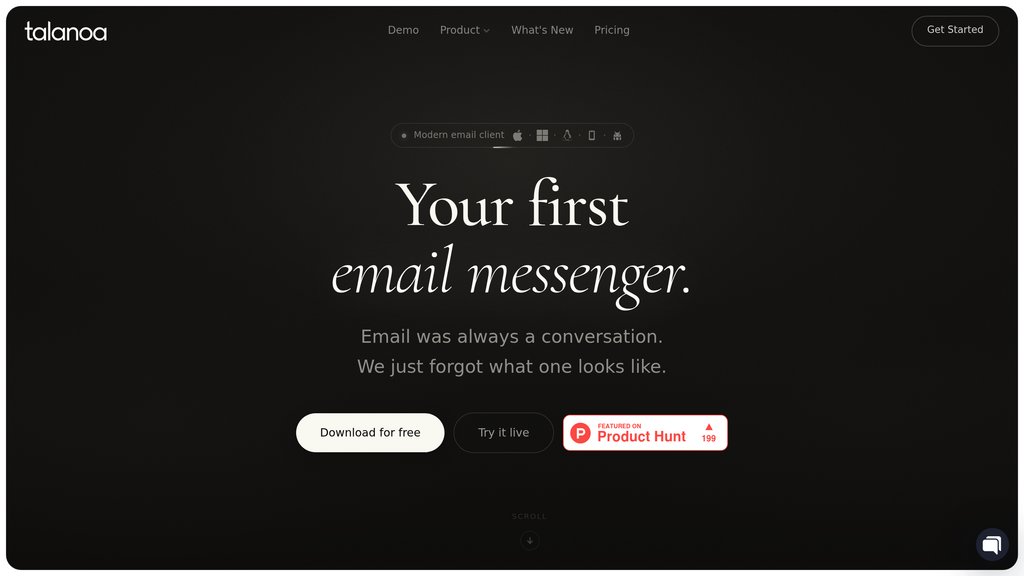
Email client that turns messages into chat-style conversations, with local AI, built-in tasks, and calendar tools.
Community:


Product Overview
What is Talanoa?

Talanoa organizes email around people rather than subject lines, presenting messages as clean conversations without repeated quotes, signatures, or disclaimers. It brings multiple accounts, tasks, and scheduling into one workspace. Its on-device AI searches emails and attachments, summarizes discussions, and drafts replies, while offline access keeps existing messages available without an internet connection.
Key Features
Chat-Style Email
Groups emails by sender into conversations with message bubbles, removing repeated quotes, signatures, and disclaimers.
Unified Inbox
Combines Gmail, Outlook, iCloud, Yahoo, and other IMAP accounts into a single chronological inbox.
On-Device AI Assistant
Answers questions across emails, attachments, tasks, and calendars using a locally running model, with sources shown and actions requiring confirmation.
Summaries and Personalized Replies
Extracts decisions and next steps from long threads, drafts replies in your writing style, and translates messages.
Integrated Tasks and Scheduling
Turns emails into tasks with deadlines, progress tracking, and notes, while supporting meeting responses and booking links.
Offline Access
Keeps email available locally for reading, searching, AI assistance, and drafting, with queued messages sent after reconnecting.
Use Cases
- Multi-Account Email Management : Manage work and personal inboxes in one place without switching between email providers.
- Client Communication : Follow ongoing client conversations by person instead of piecing together separate subject-based threads.
- Project Follow-Ups : Turn requests and approvals into trackable tasks while keeping the original email attached for context.
- Meeting Coordination : Respond to invitations and share available meeting times directly from email.
- Private Email Assistance : Search correspondence, summarize discussions, and prepare replies without uploading email content to a cloud AI service.
- Travel and Offline Work : Review stored messages and prepare responses during flights, commutes, or unreliable connectivity.
FAQs
Talanoa Alternatives

Spark Mail
AI-powered email and calendar app that unifies multiple accounts into a smart inbox with advanced collaboration and productivity tools.

Mailbird
Modern email client for Windows and Mac that unifies multiple accounts, integrates with popular apps, and offers productivity-focused features.

Poke
A proactive assistant that integrates with your email and calendar to manage tasks through simple text messages.

Canary Mail
Cross-platform email client combining multiple inboxes, writing assistance, conversation summaries, and secure messaging.

Serif
Email assistant that organizes your inbox, pre-drafts replies, schedules meetings, and reduces email time by half with one click.

Boomerang for Gmail
A comprehensive Gmail extension that enhances email productivity with scheduling, reminders, response tracking, and AI-assisted writing.

WriteMail.ai
AI-powered email writing assistant that helps users compose professional, clear, and engaging emails faster with customizable tone and multilingual support.

Orchid
An autonomous inbox and workflow delegation tool that reads, sorts, and prepares actions across your email, calendar, and tools — so you only see what needs a decision.