
Solo
A lightweight terminal workspace that runs coding agents and your full dev stack together in one window, with process visibility, auto-restart, and MCP integration.
Community:


Product Overview
What is Solo?
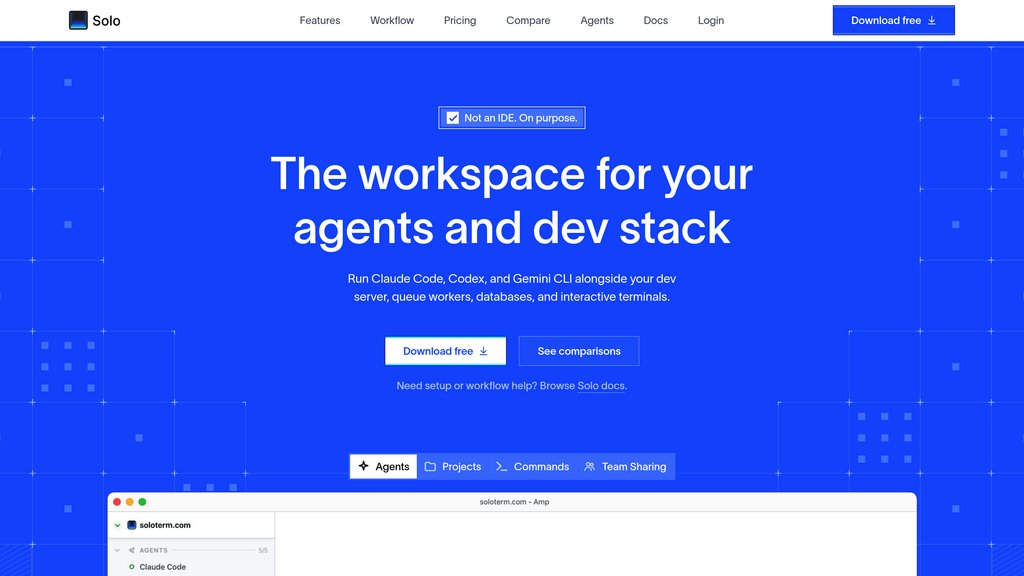
Solo is a native desktop terminal workspace built for agentic development. Rather than juggling multiple terminal tabs for Claude Code, Codex, Gemini CLI, and other coding agents alongside dev servers, queues, and databases, Solo brings everything into a single project-based dashboard. It acts as a meta-harness around any terminal-based agent — providing process visibility, automatic crash recovery, shared team configuration via solo.yml, and MCP tools that let agents read logs, check ports, and manage the dev stack without human intervention. At 25MB, it is built with Tauri instead of Electron and does not replace your editor or lock you into any agent provider.
Key Features
Agent-Agnostic Execution
Runs any terminal-based coding agent — Claude Code, Codex, Gemini CLI, Amp, OpenCode, Aider, or custom scripts — without vendor lock-in, using your existing API keys and subscriptions.
Unified Process Dashboard
All agents, dev servers, queue workers, and databases run in one window with real-time status indicators, so you always know what is running, crashed, or needs attention.
MCP Integration for Context-Aware Agents
Exposes 40+ MCP tools covering logs, port status, process output, scratchpads, todos, timers, and coordination — giving agents live awareness of the surrounding dev environment.
Auto-Restart and File Watchers
Crashed processes restart automatically; file watchers can trigger restarts on code changes, ensuring agents never operate against a silently downed service.
Agent Orchestration Primitives
Agents can spawn sub-agents, acquire lease-based locks, write shared scratchpads and todos, set timers, and hand off context — enabling multi-agent workflows without a proprietary cloud harness.
Team-Shareable Configuration
Commit solo.yml to your repo and every teammate spins up the same stack, agents included. Local-only processes stay out of version control unless promoted.
Use Cases
- Multi-Agent Development : Run several coding agents in parallel on the same project, using locks and scratchpads to prevent conflicts and coordinate task handoffs.
- Full-Stack Local Development : Developers keep their app server, queue workers, databases, and CLI agents visible in one dashboard instead of chasing status across many terminal tabs.
- Team Onboarding : New teammates get the exact same agent setup and dev stack by pulling the repo and launching Solo — no manual README steps or Slack troubleshooting.
- Automated Stack Recovery : Agents can detect crashes via MCP, trigger restarts, and continue work autonomously rather than stalling because a background service went down unnoticed.
FAQs
Solo Alternatives

Dedalus Labs
A flexible platform providing a unified API to connect any large language model (LLM) with any managed MCP (Model-Controller-Platform) server, enabling rapid deployment of AI agents.

Maritime
Cloud computers for agents, combining persistent workspaces, disposable sandboxes, desktops, and Android phones.

Infinity by ProjectX
Cloud-native operating system that runs heavy applications like Blender, VS Code, and Isaac Sim directly in any browser with dedicated GPU per app.

Reflexio
Continuous learning layer that enables software agents to adapt and self-improve from real interactions without model retraining.

NitroStack
Full-stack MCP platform for building, testing, deploying, and delivering custom tools and agent applications.

GitAgent
An open standard for defining, versioning, and running AI agents natively in Git — portable across any framework, runtime, or model.

CloudX
Supply-side platform for mobile and AI publishers with agent-driven monetization workflows and transparent auction infrastructure.

Arcjet
Runtime security platform that protects AI agents, tools, APIs, and web applications at the point of action.