
Rewind AI
A personalized AI assistant that captures, transcribes, and makes all your digital interactions instantly searchable, enhancing memory and productivity.
Community:


Product Overview
What is Rewind AI?
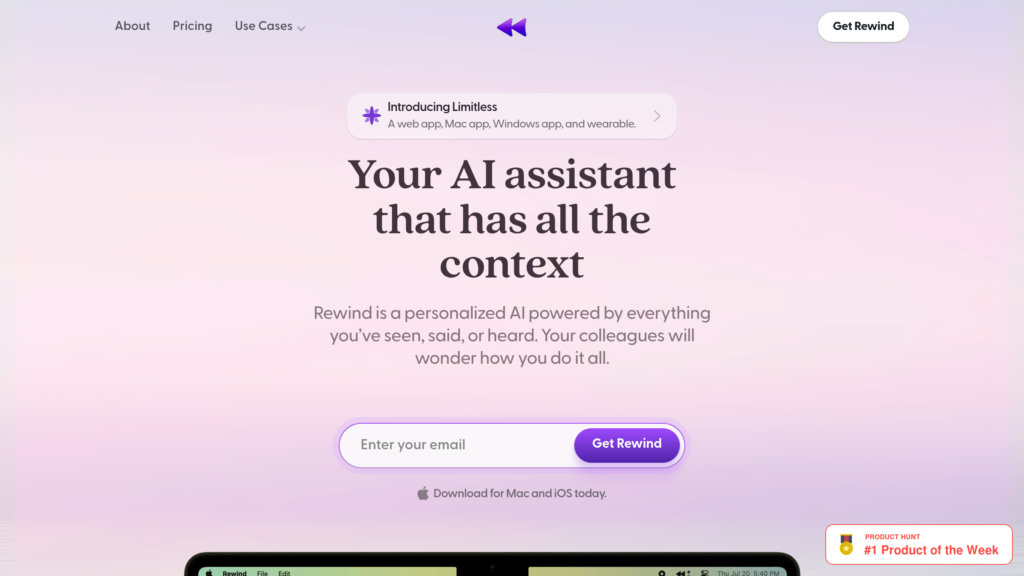
Rewind AI is an advanced productivity tool designed primarily for macOS and iOS users that continuously records everything you see, hear, and say on your device. It captures screen content every few seconds, records audio from meetings, and transcribes all data locally to preserve privacy. Using powerful AI, including GPT-4 integration, Rewind allows users to search past activities, summarize meetings, draft emails, and retrieve lost information effortlessly. It functions as a digital extension of your memory, helping professionals stay organized and efficient without manual note-taking.
Key Features
Continuous Screen and Audio Capture
Automatically records your screen every two seconds and captures audio from meetings, making all content searchable.
AI-Powered Search and Summarization
Enables instant search through all recorded content and generates human-level summaries of meetings and research.
Privacy-Centric Local Storage
All recordings and transcriptions are compressed, encrypted, and stored locally on your device, ensuring exclusive user access.
Meeting Automation and Transcription
Automatically records and transcribes meetings from platforms like Zoom, providing accurate notes and summaries.
Personalized AI Assistant
Leverages GPT-4 to answer questions about your past activities, draft emails, and assist with various tasks using your personal data.
Cross-Device Support with Visual Browsing
Available on Mac and iPhone with a user-friendly interface to visually browse past content; Windows support is forthcoming.
Use Cases
- Recall and Search Past Activities : Find any text, image, or audio from your past digital interactions quickly without manual searching.
- Meeting Note Taking and Summaries : Automatically capture and summarize meetings to save time and improve accuracy.
- Email and Document Drafting : Use AI to draft personalized emails or documents based on your prior context and information.
- Research and Content Review : Summarize complex research and revisit important details without re-reading entire documents.
- Memory Augmentation for Professionals : Act as a digital memory extension, helping professionals avoid forgetting commitments or details from past interactions.
FAQs
Rewind AI Alternatives

Fathom AI Notetaker
AI-powered meeting assistant that records, transcribes, and summarizes online meetings across major platforms with multi-language support and CRM integration.

Read AI
AI-powered meeting assistant that automates transcription, sentiment analysis, action item detection, and personalized coaching across major video conferencing platforms.

Zemith
All-in-one AI productivity platform integrating leading AI models for chat, search, note-taking, document analysis, and image generation.

Circleback AI
AI-powered meeting notes and automation platform that captures, transcribes, and summarizes meetings across various platforms, boosting team productivity and organization.

Supermemory AI
An AI-powered second brain that organizes, searches, and helps you utilize all your saved digital content effortlessly.

Littlebird
A full-context desktop assistant that learns from everything on your screen and in your meetings, so you can find, create, and act without catching it up.

TwinMind
A privacy-focused AI assistant that captures and understands your meetings, browser content, and conversations to provide real-time insights, transcription, and automated writing.

Avoma
AI-powered meeting assistant platform that automates note-taking, transcription, scheduling, coaching, and conversation intelligence.