Notebooks
Comprehensive writing and organization app combining note-taking, task management, and document handling with powerful Markdown support and cross-device sync.

Product Overview
What is Notebooks?
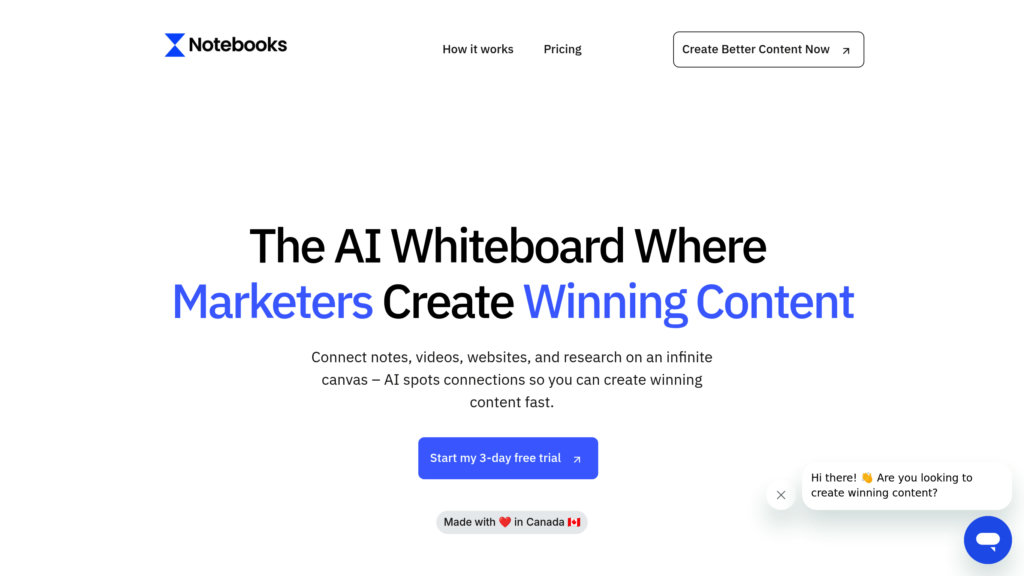
Notebooks is a versatile app designed for writing, organizing, and managing documents and tasks in one unified platform. It supports a wide range of document types including plain text, Markdown, PDFs, and office files, allowing users to create, edit, and organize notes, books, and projects seamlessly. With integrated task management features such as nested task lists, due dates, alerts, and repeating tasks, Notebooks helps users stay productive without switching between apps. Its robust syncing capabilities ensure documents and tasks are accessible and up to date across iOS devices, Mac, and PC. Notebooks also supports multimedia content like sketches, audio, and video, making it a comprehensive tool for writers, researchers, and professionals.
Key Features
Integrated Note and Task Management
Combine note-taking with task lists, including nested tasks, due dates, alerts, and repeating schedules, all within the same app.
Powerful Markdown and Text Editing
Supports plain text, MultiMarkdown, and a custom Markdown flavor with syntax highlighting, checklists, and automatic formatting.
Wide Document Format Support
Import, view, and manage PDFs, Word, Excel, PowerPoint, iWork files, images, audio, video, and web archives.
Cross-Device Synchronization
Sync your notes and tasks seamlessly across iPhone, iPad, Mac, and PC via iCloud, Dropbox, or local network.
Document Organization and Linking
Create unlimited nested books and link documents internally with wiki-style links that update automatically when files move.
Multimedia and Annotation Support
Use Apple Pencil for sketches and annotations, record audio and video notes, and scan documents with OCR.
Use Cases
- Writing and Publishing : Draft articles, books, eBooks, and blog posts with Markdown support and compile documents into PDFs or eBooks.
- Project and Task Management : Manage complex projects by converting notes into task lists with due dates, alerts, and progress tracking.
- Research and Knowledge Management : Organize research materials, references, and notes in nested books with powerful search and linking.
- Multimedia Note Taking : Capture ideas through sketches, audio recordings, videos, and annotated PDFs for comprehensive note-taking.
- Cross-Platform Document Access : Keep your documents and tasks synchronized and accessible across multiple devices and platforms.
FAQs
Notebooks Alternatives

Fathom AI Notetaker
AI-powered meeting assistant that records, transcribes, and summarizes online meetings across major platforms with multi-language support and CRM integration.

Read AI
AI-powered meeting assistant that automates transcription, sentiment analysis, action item detection, and personalized coaching across major video conferencing platforms.

Goodnotes 6
Goodnotes 6 is a digital note-taking app that uses AI to enhance writing and learning experiences.

Carepatron
All-in-one practice management software designed for healthcare providers, integrating scheduling, documentation, billing, telehealth, and AI automation.

Craft
A versatile workspace platform for creating, organizing, and collaborating on notes, documents, tasks, and projects with seamless sync across devices.

AFFiNE Pro
Open-source, AI-powered workspace combining notes, whiteboards, and project management for seamless team collaboration and creativity.

Zemith
All-in-one AI productivity platform integrating leading AI models for chat, search, note-taking, document analysis, and image generation.

Saner.AI
AI-powered productivity assistant designed to help ADHDers and knowledge workers organize notes, tasks, and information seamlessly.