
Migoo
AI team platform acting as your digital twin to automate work and life tasks across email, calendar, video, design, slides, research, and data analysis.
Community:


Product Overview
What is Migoo?
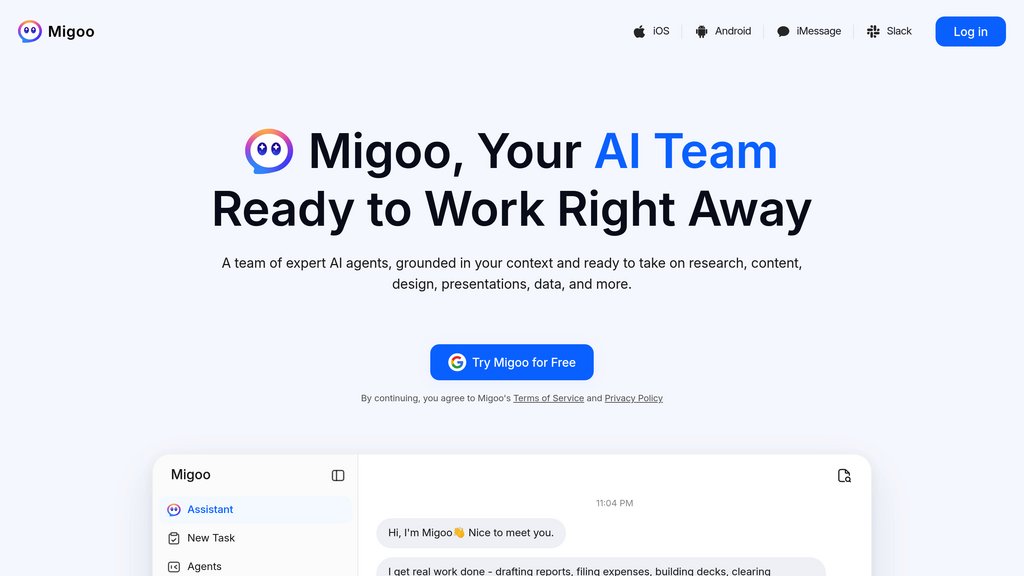
Migoo is an agentic AI platform that serves as your personal digital twin, integrating with services like Gmail and Google Calendar to prioritize tasks, manage communications, and execute workflows on your behalf. Beyond personal assistance, it offers a suite of specialized AI agents for video creation, creative design, slide and document generation, research synthesis, and data analysis. The platform operates on a just-in-time authorization model, ensuring no sensitive actions are performed without explicit user instruction or confirmation, while providing flexible access through free daily credits or subscription tiers.
Key Features
Digital Twin Integration
Seamlessly connects with Gmail, Google Calendar, and other third-party services to act as your personal assistant, summarizing emails, drafting replies, managing schedules, and tracking urgent items in your tone.
Multi-Agent AI Team
Specialized AI agents for video production, creative design, slides and documents, research, and data analysis—each with built-in expertise and professional workflows to turn briefs into polished outputs.
Just-in-Time Authorization
No sensitive operations like sending emails, modifying files, or making purchases are executed autonomously; every action requires specific user instruction or secondary confirmation for full control.
Flexible Credit System
Free daily credits (e.g., 1,000 points) or subscription options allow users to allocate resources across text, image, video, and other AI tasks according to their needs without multiple subscriptions.
Cross-Platform Automation
Executes tasks across integrated apps and browsers, from preparing meeting briefs and optimizing CVs to generating product visuals and tracking job applications with an automation tracker.
Use Cases
- Email and Calendar Management : Professionals can offload inbox triage, email summarization, reply drafting, and meeting scheduling to Migoo, freeing time for high-priority work while staying on top of urgent items.
- Content and Visual Production : Marketers and creators can generate business-ready videos, campaign graphics, product visuals, and slide decks from briefs, photos, or raw data with minimal setup.
- Research and Data Analysis : Researchers and analysts can transform complex questions and scattered sources into structured reports, insights, charts, and dashboards by uploading PDFs, documents, or datasets.
- Career and Job Search : Job seekers can use Migoo to track applied positions, organize job details (role, location, salary), optimize CVs for specific postings, and prepare for interviews with automated tracking.
- E-commerce and Shopping : Shoppers can connect Migoo to platforms like Shopee to automatically find best deals, compare products, and get personalized recommendations for fashion, electronics, and accessories.
FAQs
Migoo Alternatives

Zinley
Personal representative with its own phone number, email inbox, and computer that takes calls, handles email, and completes tasks on your behalf.

Flash
AI-powered shopping assistant that consolidates order tracking, spending insights, and rewards into a single, secure platform.

Poke
A proactive assistant that integrates with your email and calendar to manage tasks through simple text messages.

Wing Assistant
Fully managed virtual assistant service offering dedicated remote assistants to streamline business and personal tasks worldwide.

Serif
Email assistant that organizes your inbox, pre-drafts replies, schedules meetings, and reduces email time by half with one click.

Orchid
An autonomous inbox and workflow delegation tool that reads, sorts, and prepares actions across your email, calendar, and tools — so you only see what needs a decision.

Inbox Zero
AI-powered email assistant that automates inbox management, prioritizes replies, and reduces email overload for Gmail users.

Lemon
A Mac voice agent that turns spoken instructions into finished tasks across every app — no tab switching, no typing.