
FireCut AI
AI-powered Adobe Premiere Pro plugin that automates tedious video editing tasks to accelerate the creation of the first cut.
Community:


Product Overview
What is FireCut AI?
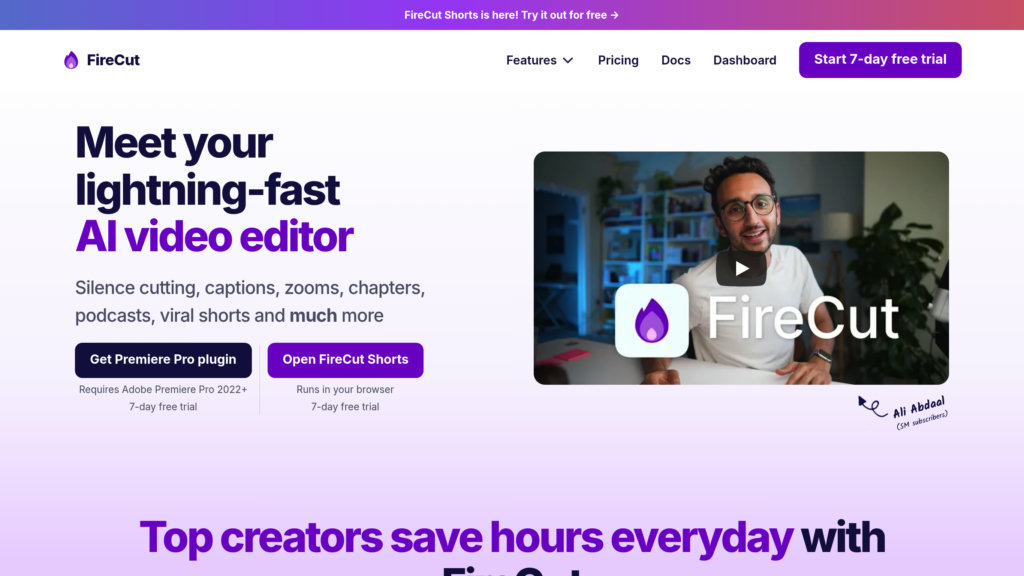
FireCut AI is a cutting-edge plugin designed exclusively for Adobe Premiere Pro, aimed at streamlining video editing by automating repetitive and time-consuming tasks. It leverages advanced AI algorithms to remove silences, eliminate filler words and repeated takes, add dynamic zoom effects, generate captions in over 50 languages, detect chapters, and assist in multi-track podcast editing. By handling these routine processes, FireCut AI enables editors and creators to focus on creative decisions and significantly reduce editing time, often cutting it by 30-50%. Developed in collaboration with content creators, it integrates seamlessly into existing workflows, enhancing productivity without disruption.
Key Features
Silence and Filler Removal
Automatically trims silences and removes filler words with customizable settings to tighten footage efficiently.
Repetition Detection and Removal
Identifies and removes repeated takes or phrases, helping to streamline narrative flow and reduce redundancy.
Automatic Captions and Multilingual Support
Generates captions in 50+ languages to improve accessibility and engagement across diverse audiences.
Dynamic Zoom Effects
Adds automated zoom-ins at key moments to emphasize important content and enhance viewer focus.
Chapter Detection and Creation
Automatically detects topic changes to create chapters, improving navigation for long-form videos and podcasts.
Multi-Track Podcast Editing
Facilitates editing of multi-speaker podcasts by highlighting the active speaker based on audio levels.
Use Cases
- YouTube and Social Media Video Production : Creators can accelerate editing workflows to produce polished videos faster for platforms like YouTube and Instagram.
- Podcast Video Editing : Podcasters can efficiently edit multi-track recordings with automated speaker switching and chaptering.
- Corporate and Marketing Videos : Agencies and companies can streamline the production of professional video content for clients and campaigns.
- Educational and Tutorial Videos : Educators can quickly generate clear, well-structured videos with chapters and captions for improved learner engagement.
FAQs
FireCut AI Alternatives

Bitmovin
Comprehensive video streaming platform offering cloud encoding, playback, and analytics for live and on-demand content across diverse devices.

Detail
Complete iOS and iPad video studio that transforms how creators shoot, edit, and share content through intelligent automation and intuitive tools.

Shred Video
Automated cinematic video and photo creation system for adventure tours, delivering instant, shareable media with minimal staff effort.

Mindstamp
Interactive video platform that transforms any video into an engaging, personalized experience with clickable elements, questions, and branching logic.

Odysser
Instant animation platform that transforms raw videos into polished, branded content through automated context-aware editing.

DreamCut
Web-based AI-powered video editor and screen recorder offering seamless multi-device editing with advanced AI features.

Rodeo
Video intelligence platform by TwelveLabs that turns raw footage into a structured first cut using plain-language search and multimodal understanding.

VidDay
Online platform for creating collaborative video montages and video gifts for memorable celebrations and special occasions.