
Fig
A terminal enhancement tool providing intelligent autocomplete, scripting, and team collaboration features to boost developer productivity.
Community:
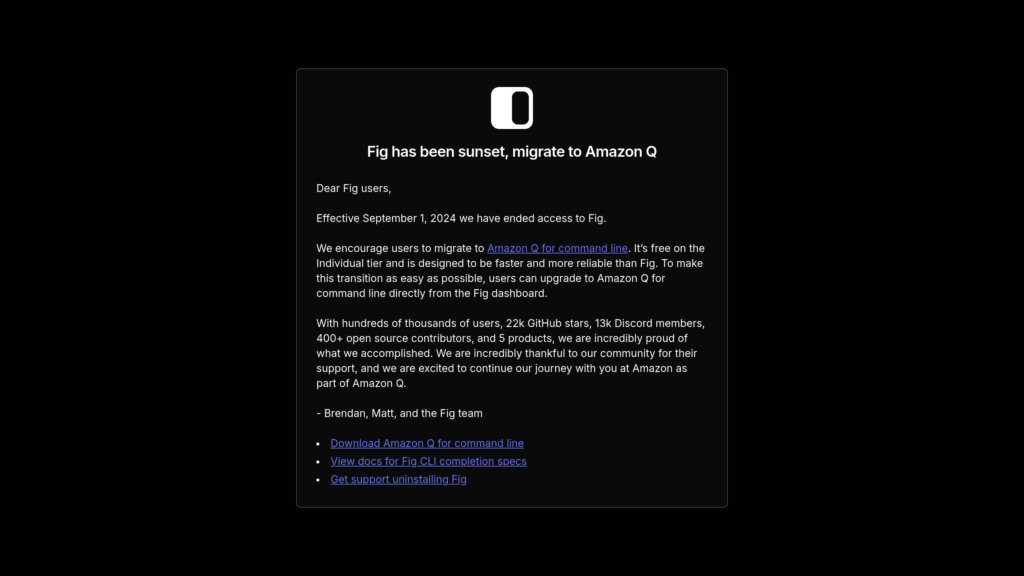

Product Overview
What is Fig?
Fig is a powerful developer tool that transforms the traditional command-line interface by adding modern autocomplete capabilities, scripting support, and team collaboration features. It integrates seamlessly with popular terminals and shells, offering intelligent suggestions for commands, scripts, CLIs, and npm packages. Fig also enables users to create, manage, and share shell scripts and configurations securely across teams, streamlining workflows and reducing errors. Its AI-powered automation further simplifies complex scripting tasks, making terminal usage more efficient for both beginners and advanced users.
Key Features
Intelligent Autocomplete
Provides context-aware autocomplete suggestions for over 200 CLI tools, commands, subcommands, and options, reducing syntax errors and speeding up command entry.
Seamless Terminal Integration
Works with popular terminals like Visual Studio Code, Hyper, and SSH, ensuring a consistent and enhanced command-line experience across environments.
Advanced Scripting Support
Allows creation, editing, and execution of scripts in multiple languages (bash, JavaScript, TypeScript) directly within the Fig environment.
Team Collaboration and Sync
Enables secure sharing and synchronization of shell aliases, functions, scripts, secrets, and SSH credentials among team members.
AI-Powered Automation
Leverages AI to generate and automate bash scripts based on user input, simplifying complex tasks like port conflict resolution and image processing.
Extensible API Platform
Offers Fig.js API for developers to build custom terminal apps and integrations, expanding Fig’s capabilities beyond autocomplete.
Use Cases
- Developer Productivity : Speeds up command-line workflows by providing intelligent autocomplete and reducing the need to memorize complex commands.
- Script Automation : Automates repetitive or complex terminal tasks such as port management, image resizing, and batch processing through AI-generated scripts.
- Team Workflow Synchronization : Facilitates sharing of environment configurations, scripts, and secrets securely across development teams to maintain consistency.
- Learning and Onboarding : Makes the terminal more approachable for beginners by embedding documentation and command explanations inline with autocomplete.
- Custom Terminal Apps : Allows teams to build and deploy custom terminal applications using Fig’s API to tailor workflows and tooling to specific needs.
FAQs
Fig Alternatives

Cursor
AI-powered code editor built on VS Code that accelerates software development with intelligent code generation, refactoring, and contextual codebase understanding.

MiniMax Agent
Desktop application providing comprehensive AI tools for meditation, podcasting, coding, and analysis to enhance creativity and productivity.

Chatbox AI
Cross-platform AI client offering multi-model chat, document and image understanding, code generation, and real-time web search.

Continue
Open-source AI code assistant that integrates with popular IDEs to enhance developer productivity through chat, autocomplete, edit, and agent capabilities.

Augment Code
AI-powered coding assistant that deeply understands entire codebases to help developers write better code faster and make smarter decisions.

Reasonix
Terminal-native coding agent built exclusively around DeepSeek's prefix cache to cut long-session token costs to roughly a fifth.

AmpCode
Browser-based coding environment enabling instant programming across multiple languages without local setup.

Trellis
All-in-one AI framework enabling Claude Code and Cursor to understand your codebase, enforce development standards, and accelerate feature delivery.