
Beam
Bring windows from other Macs onto your desktop with native controls, sharp visuals, and encrypted connections.
Community:


Product Overview
What is Beam?
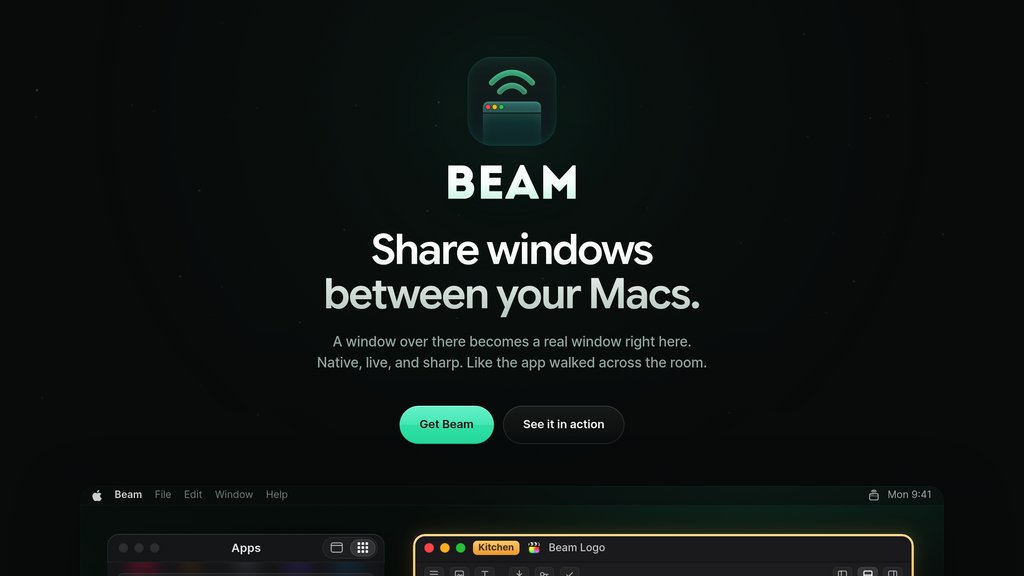
Beam lets you interact with apps running on other Macs through individual windows on your current desktop. Remote windows integrate with the Dock and app switcher, support resizing and keyboard shortcuts, and retain sharp text at your display’s resolution. It combines window sharing, file transfers, app audio, and browser-based access for working across multiple Macs without constantly switching between full remote desktops.
Key Features
Native Window Integration
Use remote windows with their own Dock icons, app-switcher entries, keyboard shortcuts, and synchronized resizing.
Sharp Visuals and App Audio
Display windows at your screen’s exact resolution and optionally stream audio from the shared app.
Multi-Mac Workspace
Bring windows from several Macs onto one desktop, share entire displays, and access Macs without connected monitors.
File and Clipboard Transfers
Move files between Macs by dragging them onto shared windows or using copy and paste.
Browser Sharing
Share a window through a browser link, with view-only access by default and optional remote control.
Private Direct Connections
Send windows, keyboard input, clipboard data, and audio directly between Macs over encrypted connections.
Use Cases
- Remote Development : Access builds, terminals, logs, and coding agents running on a Mac mini or Mac Studio from your main Mac.
- Creative Workflows : Use editing, design, or music apps on another Mac while keeping their windows alongside your local tools.
- Multi-Mac Productivity : Combine apps from Macs in different rooms into one workspace without repeatedly switching remote desktops.
- Window-Based Collaboration : Show a specific app to collaborators through a browser link and grant control when needed.
FAQs
Beam Alternatives

EARLY
A streamlined time tracking app that simplifies logging and analyzing work hours with smart automation and seamless integrations.

Sai
Autonomous computer-use agent that operates real desktops and cloud VMs to offload repetitive screen work.

Loomy
Desktop work companion automating multi-step workplace tasks, local file workflows, and app integrations through specialized agent squads.

Duet
Business workspace that turns plain-language requests into completed operational work, websites, and internal tools.

Storyflow
All-in-one visual workspace combining infinite canvas, structured storytelling tactics, and creative generation tools for creators and marketers.

Salvy
A fully digital mobile virtual network operator (MVNO) in Brazil offering centralized telecom and IT asset management for businesses.

Griply
All-in-one goal planner that connects your vision, goals, habits, and tasks into a unified system with integrated calendar and time blocking.

Focus Bear
A holistic productivity app designed to block distractions, guide healthy routines, and boost focus using AI-driven habit support.