
Workshop AI
Conversational development platform for building websites, apps, dashboards, and internal tools in the cloud or on your desktop.
Community:


Product Overview
What is Workshop AI?
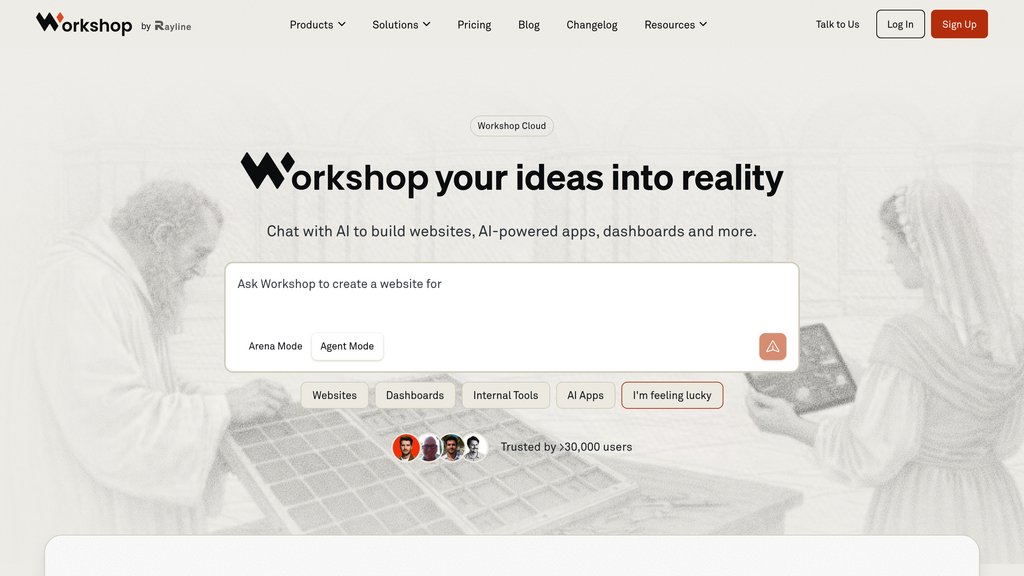
Workshop AI turns natural-language instructions into working software, combining code generation, data connections, and deployment in one environment. Workshop Cloud supports full-stack web applications with integrated models, backends, and access controls. Workshop Desktop extends development to local models, private datasets, and additional application types. Its focus is building usable software while retaining control over the code and hosting.
Key Features
Conversational Development
Describe what to build, review the output, and refine it through chat, with optional planning before code generation.
Full-Stack App Creation
Generate web interfaces and FastAPI backends with database connections, API integrations, and server-side model inference.
Cloud and Local Models
Use integrated Claude, GPT, and Gemini models in the cloud, or connect local models through Ollama and LM Studio on desktop.
Connected Data Analysis
Query databases and build interactive dashboards, with semantic-layer support to keep metrics aligned with team definitions.
Deployment and Access Controls
Publish applications with built-in authentication, role-based access, rate limits, and per-user cost controls.
Portable Code
Download generated website code, manage projects locally with Git, and host outside Workshop.
Use Cases
- Website Development : Create responsive business websites and landing pages with custom layouts, forms, and backend functionality.
- AI Application Development : Build assistants, chatbots, and content tools with integrated models and server-side processing.
- Business Dashboards : Connect operational data to interactive charts, filters, and reports for tracking business performance.
- Internal Tools : Turn business workflows into custom applications connected to existing databases, APIs, and internal systems.
- Product Prototyping : Build and iterate on functional prototypes through conversation before expanding their features or deployment.
- Local Development : Use Workshop Desktop for projects involving local databases, private datasets, local models, or native mobile applications.
FAQs
Workshop AI Alternatives

Fenado AI
AI-powered no-code platform enabling entrepreneurs to build apps and websites quickly without coding or developer teams.

NoCode
Zero-code development platform that transforms natural language descriptions into functional web applications and tools.

Create.xyz
AI-powered no-code platform that transforms user descriptions into fully functional web apps and components.

Meku
Web app builder that transforms plain-language descriptions into production-ready, deployable websites and applications in minutes.

vly.ai
Web development platform that transforms natural language into fully functional websites with built-in backend, database, and authentication.

EZsite AI
All-in-one no-code platform for building professional websites, apps, and forms with integrated automation, lead capture, and instant hosting.

Creatr
AI-powered platform enabling effortless web app creation with design, coding, and integration tools for creators of all skill levels.

EasySite AI
No-code platform that converts text prompts into fully functional websites and mobile apps in seconds.