Unicorn Studio
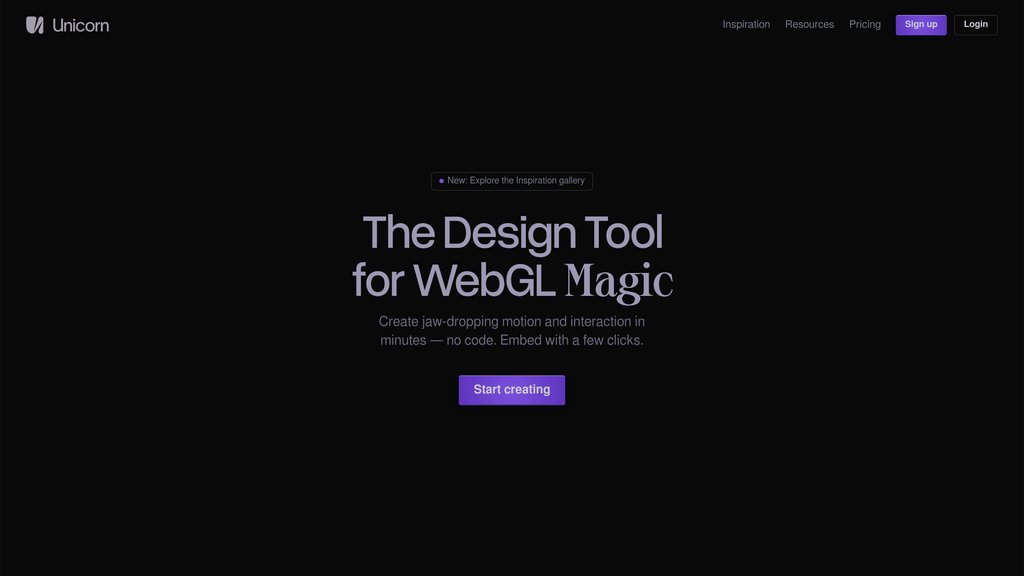
A no-code WebGL design tool for creating interactive, motion-rich visual experiences that can be embedded directly into websites.
Community:
Product Overview
What is Unicorn Studio?
Unicorn Studio is a browser-based design tool that brings WebGL effects to designers and developers without requiring shader or JavaScript knowledge. Built around a familiar layer-based interface, it lets users stack effects, shapes, images, text, and 3D models to compose dynamic scenes. Finished creations can be exported as images, videos, or embed code, and integrate seamlessly with platforms like Framer, Webflow, and Wix — or any custom-coded site via its lightweight SDK.
Key Features
70+ WebGL Effects Library
A rich collection of filters, distortions, blur, lighting, and stylize effects that can be freely mixed, stacked, and layered to produce unique visual results.
Layer-Based Design Interface
Familiar Figma-like canvas where shapes, images, text, videos, and 3D models (GLTF/GLB) are composed as stacked layers, each with its own configurable properties.
Motion & Interactivity
Built-in support for mouse tracking, scroll-triggered animations, hover events, and momentum-based movement to create truly interactive web scenes.
Performance-First Architecture
Ultra-lightweight embed library (36kb gzipped) with real-time performance scoring, shader optimization, layer downsampling, and DPI/FPS controls.
Flexible Export & Embedding
Export scenes as high-resolution images, videos, or embed codes. One-click copy-paste integration for Framer, Webflow, Figma, and coded sites via an SDK.
Cloud-Based Workflow
Fully browser-based with no downloads required. Projects are saved in the cloud with versioning, automatic backups, and a shared inspiration gallery.
Use Cases
- Hero Section Design : Web designers and product teams use Unicorn Studio to craft visually striking hero sections with animated WebGL effects that are impossible to replicate with CSS alone.
- Marketing & Brand Visuals : Marketers and creative teams generate high-res visual assets and looping videos for campaigns, social media, and landing pages.
- No-Code Site Enhancement : Designers working in Framer, Webflow, or Wix embed interactive WebGL scenes without touching any code, elevating the visual quality of their sites.
- Portfolio & Interactive Showcases : Creatives build immersive portfolio pages with 3D effects, depth parallax, and motion-driven interactions that stand out from standard web layouts.
- Custom Shader Prototyping : Developers and creative coders prototype custom GLSL shaders within the visual editor before exporting scene data for self-hosted, production-ready integration.
FAQs
Unicorn Studio Alternatives
Atlas.co
Browser-based collaborative GIS platform enabling real-time map building, spatial data analysis, and no-code spatial app creation.
Relay.app
User-friendly AI workflow automation platform combining AI-powered tasks with human-in-the-loop collaboration and extensive app integrations.
Activepieces
Open-source no-code automation platform enabling complex workflow creation with a TypeScript-based extensible framework.
Gigs
Comprehensive telecom-as-a-service platform enabling companies to launch branded mobile services with integrated connectivity, AI support, and end-to-end management.
Userflow
No-code platform for creating in-app onboarding flows, checklists, surveys, and resource centers to accelerate user activation and retention.
Leap
Visual workspace for building, testing, and deploying workflows that connect AI models, APIs, and tools without code.
Paraflow
Visual workflow automation platform that enables teams to build, manage, and scale complex processes through an intuitive drag-and-drop interface.
CreativeMode
No-code platform for creating Minecraft mods, items, and mobs using natural language descriptions, supporting both Java and Bedrock editions.
Analytics of Unicorn Studio Website
🇺🇸 US: 20.67%
🇮🇳 IN: 10.74%
🇧🇷 BR: 4.72%
🇩🇪 DE: 3.98%
🇨🇦 CA: 3.27%
Others: 56.62%