
Shram
Desktop productivity app that monitors Gmail, WhatsApp, and Calendar to detect missed follow-ups, drafts contextual responses, and executes them with one click.
Community:


Product Overview
What is Shram?
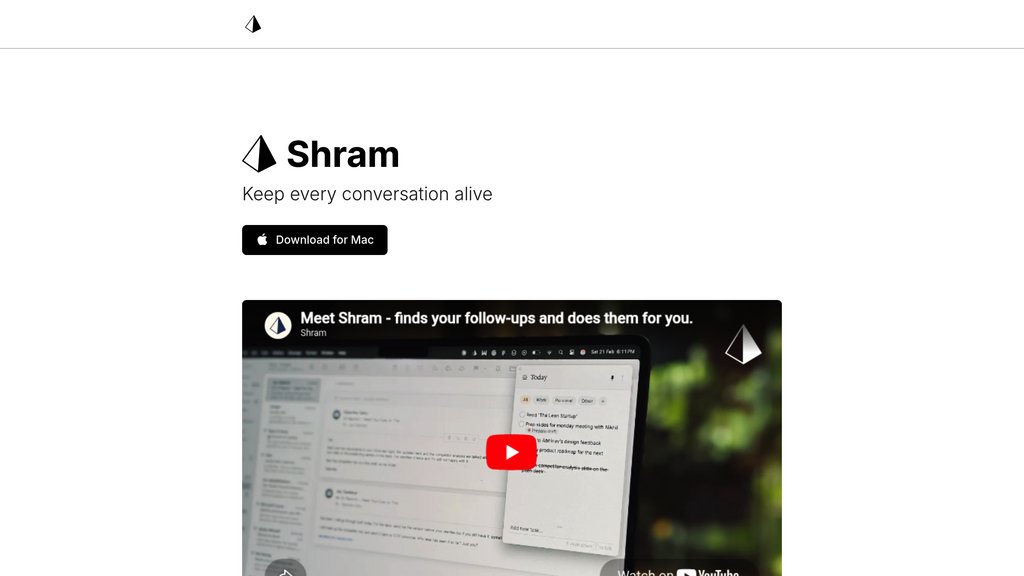
Shram is a Mac desktop application designed for busy professionals who manage relationships across multiple communication channels. It runs in the background, watching activity across Gmail, Google Calendar, and WhatsApp to detect when someone needs a response, check-in, or meeting setup. Using an on-device memory layer that retains context from all your interactions, Shram drafts personalized responses reflecting what was discussed and when. Follow-ups appear as tasks on your to-do list with one button to execute, allowing Shram to complete the action automatically. The tool works out of the box without setup and keeps all memory data private on your device.
Key Features
Cross-App Conversation Monitoring
Watches activity across Gmail, Google Calendar, and WhatsApp simultaneously to detect when someone needs a response, check-in, or meeting setup without manual tracking.
Context-Aware Response Drafting
Uses an on-device memory layer that remembers full conversation history to draft personalized responses reflecting what was discussed and when, not generic templates.
One-Click Execution
Follow-ups appear as tasks on your to-do list with one button to execute, allowing Shram to complete the entire action automatically after you review the draft.
On-Device Memory Privacy
All conversation context and memory data stays private on your device, retaining history even for follow-ups from months ago while protecting sensitive information.
Zero-Setup Integration
Works across all your communication apps out of the box without configuration, connecting to WhatsApp, Gmail, and Calendar immediately after installation.
Use Cases
- Business Relationship Management : Professionals who run work on relationships can keep every conversation moving without letting deals slip or connections go cold due to forgotten follow-ups.
- Client Communication Follow-Up : After calls or meetings where promises were made (like sending revised proposals), Shram catches missed follow-ups and drafts appropriate responses with full context.
- Personal Productivity for Busy Professionals : High-agency individuals who value their time and are busy managing multiple conversations can automate communication hygiene without mental overhead.
- Multi-Channel Communication Coordination : People who communicate across Gmail, WhatsApp, and calendar meetings in different contexts can consolidate follow-up tracking in one place.
FAQs
Shram Alternatives

Upstream
Smart email client for teams that organizes your inbox, drafts replies in your voice, and handles follow-ups automatically.

Superhuman
A premium email client designed for high-speed productivity, integrating AI-powered features for faster email management and collaboration.

Remail.ai
A versatile Chrome extension that streamlines email composition and response, enabling users to write emails up to 10 times faster with customizable tones and multilingual support.

DearFlow
Proactive AI personal assistant that automates email management, scheduling, and task workflows to boost productivity.

Filo Mail
An AI email client that transforms Gmail into an action-oriented system, automatically converting important messages into tasks while filtering out noise.

Serif
Email assistant that organizes your inbox, pre-drafts replies, schedules meetings, and reduces email time by half with one click.

Shortwave
AI-powered email platform that transforms inbox management with smart organization, team collaboration, and advanced AI writing assistance.

Spark Mail
AI-powered email and calendar app that unifies multiple accounts into a smart inbox with advanced collaboration and productivity tools.