
Screenpipe
Local-first desktop app that continuously captures screen and audio activity to provide AI assistants with complete memory of your digital experience.
Community:


Product Overview
What is Screenpipe?
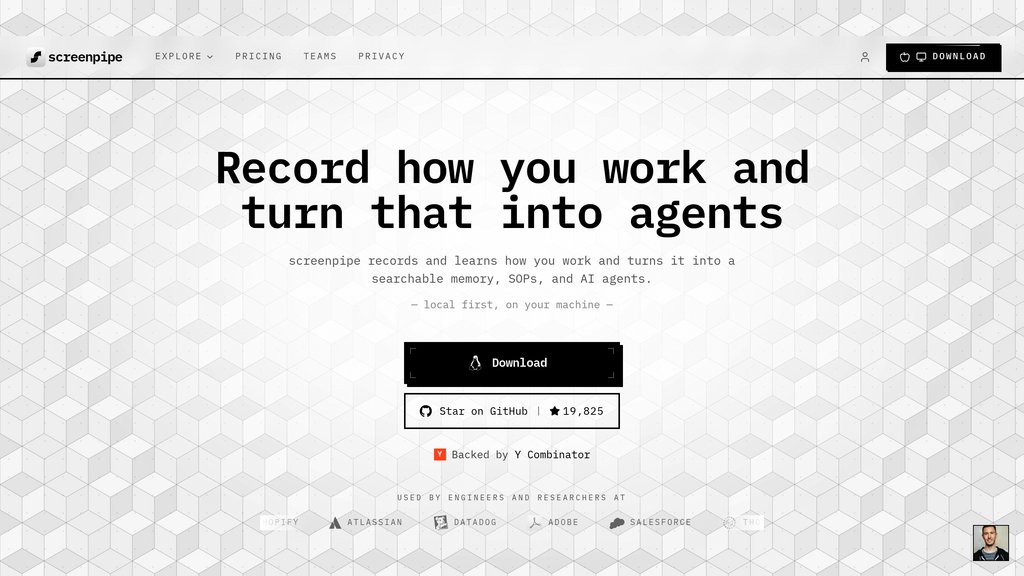
Screenpipe is a local-first desktop application that records everything you see, hear, and do on your computer 24/7. It captures screen content through accessibility APIs with OCR fallback, transcribes audio locally, and stores all data on your machine in an encrypted format. The platform enables AI-powered search, scheduled AI agents called 'Pipes' for automated workflows, and provides MCP server integration to give AI assistants like Claude, Cursor, and ChatGPT memory of your screen activity. Being open source and privacy-focused, all processing happens locally without sending data to external servers.
Key Features
24/7 Screen & Audio Capture
Continuously records screen text via accessibility APIs with OCR fallback, audio transcription, app names, browser URLs, and user input, all stored locally in ~/.screenpipe/.
Local-First Privacy Architecture
All data processing and storage happens on your machine with encryption, opt-in capture controls, and open source transparency ensuring complete privacy and security.
AI-Powered Search & Memory
Search anything you've seen or heard through natural language queries or local API at localhost:3030, giving AI assistants complete memory of your digital experience.
Pipes - Scheduled AI Agents
Install and run AI agents that automatically summarize your day, track time, sync to Obsidian, transcribe meetings, and automate workflows based on your screen data.
MCP Server Integration
Connect Claude, Cursor, ChatGPT and other AI tools to your screen memory through one-click MCP server setup, enabling context-aware AI assistance.
Extensive App Integrations
Dozens of native connections including Slack, Notion, Google Calendar, Obsidian, Toggl, HubSpot, Salesforce, Zoom, PostHog, Sentry and more for seamless workflow automation.
Use Cases
- Personal Knowledge Memory : Individuals can search and retrieve anything they've seen on screen or heard in meetings, effectively creating a searchable memory of their entire digital work history.
- Automated Time Tracking : Professionals can automatically track time spent on different projects and applications using Pipes like Toggl Time Tracker or Time Breakdown without manual input.
- Meeting Intelligence : Teams can automatically transcribe meetings, generate notes, and extract action items through meeting intelligence pipes without additional software.
- Workflow Documentation & SOPs : Organizations can capture real work patterns, automatically generate standard operating procedures, and identify automation opportunities from actual user behavior.
- AI Assistant Context Enhancement : Power users can give AI coding assistants and chatbots complete context about their ongoing projects, previous research, and work patterns for more relevant assistance.
- Obsidian Knowledge Sync : Knowledge workers can automatically sync their screen activity and insights to Obsidian, creating a comprehensive personal knowledge management system.
FAQs
Screenpipe Alternatives

Secoda
All-in-one knowledge base for data teams that centralizes data documentation, discovery, lineage, and governance with AI-powered automation.

Elium
A knowledge-sharing platform designed to centralize, organize, and deliver reliable company information efficiently across teams.

Tettra
AI-powered knowledge management platform that centralizes company knowledge, automates Q&A, and integrates seamlessly with collaboration tools like Slack.

MyMemo AI
AI-powered knowledge management platform that organizes, analyzes, and retrieves digital content through natural language chat and multimedia support.

DataGalaxy
A collaborative data catalog and knowledge platform that centralizes metadata, lineage, and governance to empower data-driven organizations.

Second Brain
Self-hosted memory layer that gives Claude, ChatGPT, and Cursor permanent, searchable context across every session.

Quivr
A versatile knowledge management and customer support platform that centralizes company data and enables seamless interaction through chat.

Stash
Issue resolution assistant that aggregates contextual knowledge from codebases, documentation, and team expertise to help developers solve problems faster.