
Raylight
Browser-based product video maker for creating polished motion graphics without After Effects.
Community:


Product Overview
What is Raylight?
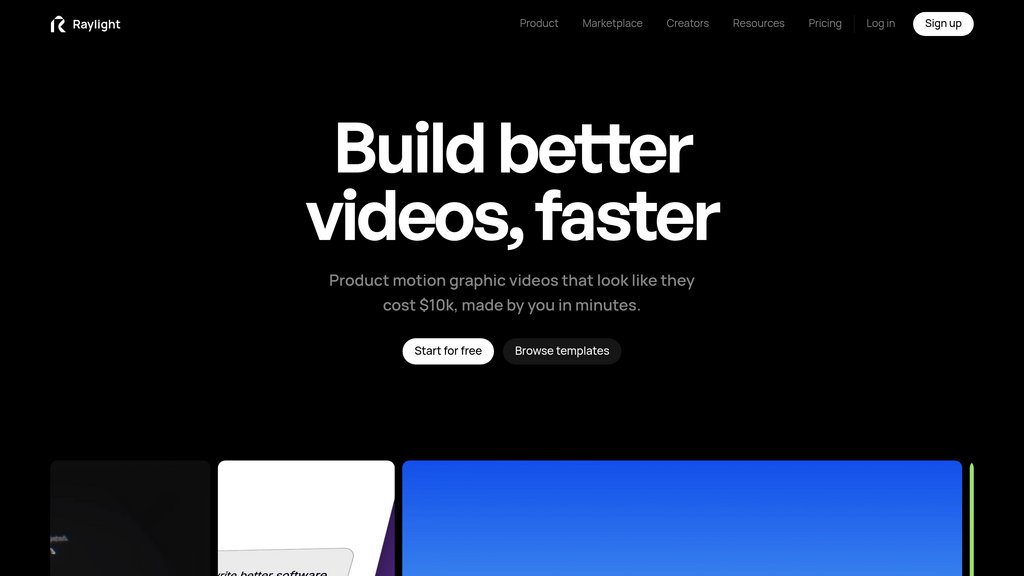
Raylight is a browser-based tool for designing, animating, and sharing professional product videos. It combines a canvas-based design workspace with a visual timeline, allowing users to arrange product screens, text, shapes, and other assets before adding camera movements, transitions, effects, voiceovers, and sound effects. Its workflow is designed for fast production without requiring advanced motion design software.
Key Features
Canvas-Based Video Design
Arrange product screens, text, shapes, and visual assets on a real canvas with snapping, alignment, grouping, and editable layers.
Visual Timeline Animation
Animate properties with timeline blocks that can be resized and adjusted without working with complex keyframe graphs.
Camera Moves and 3D Effects
Create smooth camera transitions, flat zooms, 3D dolly movements, screenshot tilts, depth of field, bloom, and other cinematic effects.
Figma Import
Paste copied SVG designs from Figma as editable layers while preserving text and shape properties.
Voiceover and Sound Effects
Generate narrated voiceovers from scripts and add described sound effects directly to the video timeline.
Live Review and Sharing
Share a link for collaborators to review the animation, scrub through the timeline, and follow live cursor activity.
Use Cases
- Product Launch Videos : Create polished launch videos that introduce new software features, products, or updates.
- SaaS Demonstrations : Turn interface screens and workflows into animated product demos for websites, sales materials, and presentations.
- Marketing Content : Produce short motion graphics for social media, landing pages, advertisements, and promotional campaigns.
- App Store Promotion : Showcase mobile or web application interfaces with animated screen transitions and visual effects.
- Client and Team Reviews : Share video drafts through a browser link and collect visual feedback during the review process.
FAQs
Raylight Alternatives

Pixo
AI video creation platform transforming ideas into professional videos through AI agents for scripting, storyboarding, and editing.

Palmier Pro
A macOS video editor with native AI generation built into the timeline — generate, edit, and export production-ready videos without leaving your project.

Rotor Videos
AI-powered music video creation platform that automates professional-quality video production using music analysis and extensive stock footage.

Tellers
Browser-based video editing agent that turns briefs, footage, scripts, and audio into editable, publish-ready videos.

Osmo Studio
AI-native video editor that generates animations as editable code, enabling full creative control over motion graphics and brand content.

寻光
Comprehensive video creation platform featuring layer-based editing and one-stop workflow for professional video production.

Remotion
Open-source framework for creating videos programmatically using React, enabling developers to generate MP4 files and video animations through code.

FlexClip
An intuitive online video editor offering AI-powered tools, extensive templates, and rich media resources for effortless video creation.