
Raycast
Keyboard-driven Mac productivity launcher with integrated chat capabilities and extensible command system.


Product Overview
What is Raycast?
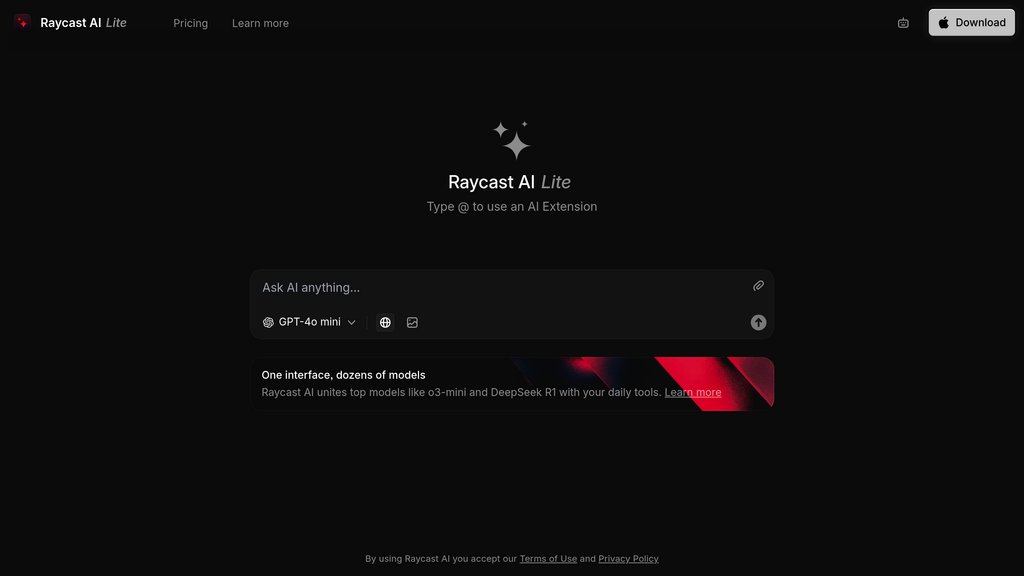
Raycast is a powerful productivity tool designed specifically for Mac users that transforms how they interact with their operating system. The platform serves as an extensible launcher that combines quick access to applications, files, and system functions with comprehensive chat capabilities through 32+ different models. Users can create custom commands, utilize built-in extensions, and automate workflows through a keyboard-driven interface. The tool emphasizes privacy with local-first data storage and direct API connections to model providers without intermediaries.
Key Features
Multi-Model Chat Interface
Access to 32+ different language models including GPT-4, Claude, Gemini, and others with the ability to compare responses and switch models mid-conversation.
Quick Access Interface
Instant access through hotkeys with floating window functionality that appears above other applications for seamless workflow integration.
Custom Commands & Extensions
Built-in and custom commands for common tasks like text improvement, translation, and code explanation, plus an extensive extension store for third-party integrations.
Privacy-First Architecture
Local data storage with optional encrypted cloud sync, direct API connections to providers, and no data collection for model training purposes.
Document & Screen Integration
Chat with PDF documents, CSV files, and screen content with seamless OS integration for contextual assistance.
Use Cases
- Developer Productivity : Developers can quickly explain code, access documentation, manage Linear tickets, and automate development workflows without leaving their current context.
- Content Writing & Editing : Writers can improve grammar, change tone, summarize content, and translate text using built-in commands and chat functionality.
- System Automation : Users can automate file management, system controls, and application launching through custom commands and keyboard shortcuts.
- Research & Information Gathering : Quick access to web search results, document analysis, and instant answers to questions through the floating Quick interface.
- Team Collaboration : Teams can share custom extensions, snippets, and commands privately while maintaining consistent workflows across organization members.
FAQs
Raycast Alternatives

小悟空
Comprehensive AI toolkit platform offering 200+ specialized tools across six major categories for work, study, and entertainment needs.

Lunabot.AI
Cross-platform AI assistant integrating top AI models to enhance productivity in reading, writing, and multitasking across devices.

MacGPT
A native macOS app that integrates ChatGPT directly into the Mac menu bar for fast, seamless AI assistance.

MixerBox AI
All-in-one AI Super-App integrating GPT-3.5, GPT-4, and 20+ practical plugins for seamless chat, creation, translation, and real-time information.

Monica AI
All-in-one AI assistant integrating top AI models for chat, writing, coding, search, and creative content across multiple platforms.

Microsoft Copilot
Microsoft's everyday assistant that brings conversational chat, creative generation, and deep productivity integration together across web, Windows, and Microsoft 365.

Raycast
A fast, extendable productivity launcher for macOS that integrates powerful tools and AI to streamline workflows.

Luzia
An AI-powered personal assistant accessible via app and WhatsApp, designed to simplify daily tasks, learning, and creative activities.