
Google Workspace
An integrated suite of cloud-based productivity and collaboration tools for businesses of all sizes, combining communication, document creation, storage, and intelligent assistance in one platform.


Product Overview
What is Google Workspace?
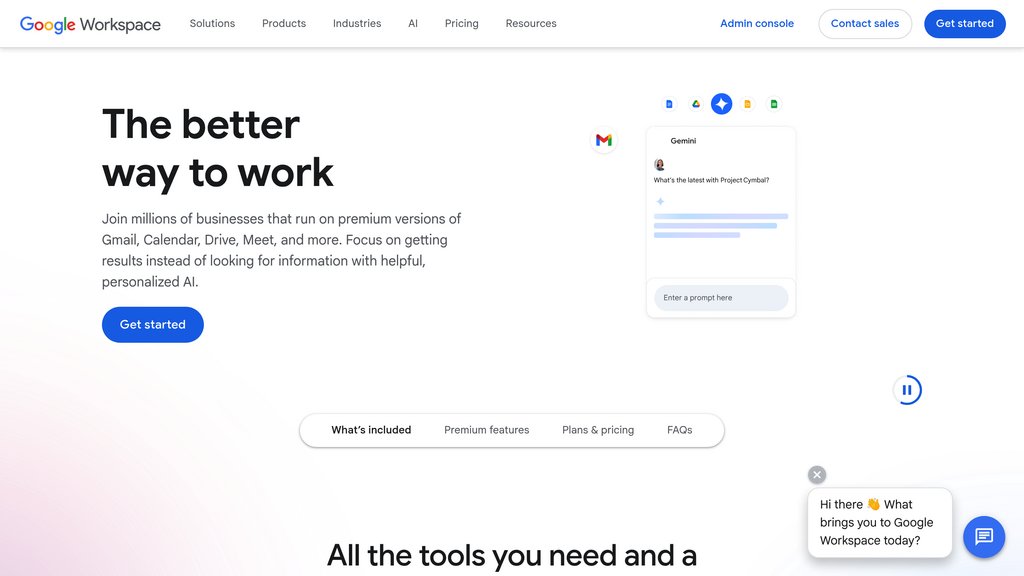
Google Workspace (formerly G Suite) is Google's all-in-one cloud productivity platform designed for teams and organizations. It brings together email, video conferencing, document editing, cloud storage, and team messaging under a single subscription. With Gemini deeply embedded across core apps, the platform helps users draft content, summarize documents, automate workflows, and generate media — all within the tools they already use daily. Plans range from Business Starter to Enterprise, with optional AI add-ons for expanded capabilities.
Key Features
Integrated Communication Suite
Gmail, Google Meet, Google Chat, and Calendar work together seamlessly, enabling teams to email, video conference, message, and schedule without switching platforms.
Real-Time Document Collaboration
Google Docs, Sheets, Slides, and Forms allow multiple users to co-edit simultaneously with automatic saving, version history, and built-in commenting.
Centralized Cloud Storage
Google Drive provides shared and personal cloud storage accessible from any device, with robust file sharing controls and team drive support.
Gemini AI Assistance
Gemini is embedded across Gmail, Docs, Sheets, Slides, Drive, and Meet — helping users write drafts, summarize threads, generate formulas, take meeting notes, and answer questions about files.
Workflow Automation
Workspace Studio and AppSheet enable no-code automation and custom app building, letting teams streamline repetitive processes without writing code.
Enterprise Security & Administration
A centralized Admin Panel alongside Vault provides IT teams with user management, data archiving, audit logs, and compliance controls across the organization.
Use Cases
- Team Collaboration : Distributed teams co-edit documents, share files, and run video meetings from a single platform, eliminating the need for multiple disconnected tools.
- Business Communication : Organizations use Gmail with custom domains, Google Meet, and Chat to manage all internal and external communication professionally and securely.
- Content & Report Creation : Marketing, sales, and operations teams produce polished documents, presentations, and data reports collaboratively using Docs, Slides, and Sheets.
- Workflow & Process Automation : Operations and IT teams use Workspace Studio and AppSheet to build automated workflows and lightweight business apps without engineering resources.
- Knowledge Management : Teams leverage NotebookLM and Google Drive to organize, surface, and share institutional knowledge with audio overviews, mind maps, and instant source-based insights.
FAQs
Google Workspace Alternatives

Macro
Unified workspace merging email, chat, docs, tasks, calls, and CRM into one keyboard-first app with shared team memory.

Notion
All-in-one workspace combining notes, docs, projects, and AI-powered assistance for seamless team collaboration and productivity.

飞书
Comprehensive enterprise collaboration platform integrating communication, documentation, and project management for seamless team productivity.

Craft
A versatile workspace platform for creating, organizing, and collaborating on notes, documents, tasks, and projects with seamless sync across devices.

Plane
Open-source project and knowledge management platform that unifies work tracking, docs, and AI agents in one workspace for teams shipping software.

Coda AI
Integrated work assistant that transforms documents into dynamic workspaces with intelligent content generation and task automation.

GanttPRO
Online Gantt chart software for professional project planning, scheduling, team collaboration, and resource management.

Spike
Modern email and team communication platform that transforms email into chat-like conversations with integrated collaboration, video calls, tasks, and notes.