
GenOffice
Free, open-source desktop office suite for documents, spreadsheets, presentations, PDFs, HTML, and Markdown, with integrated AI assistance.
Community:


Product Overview
What is GenOffice?
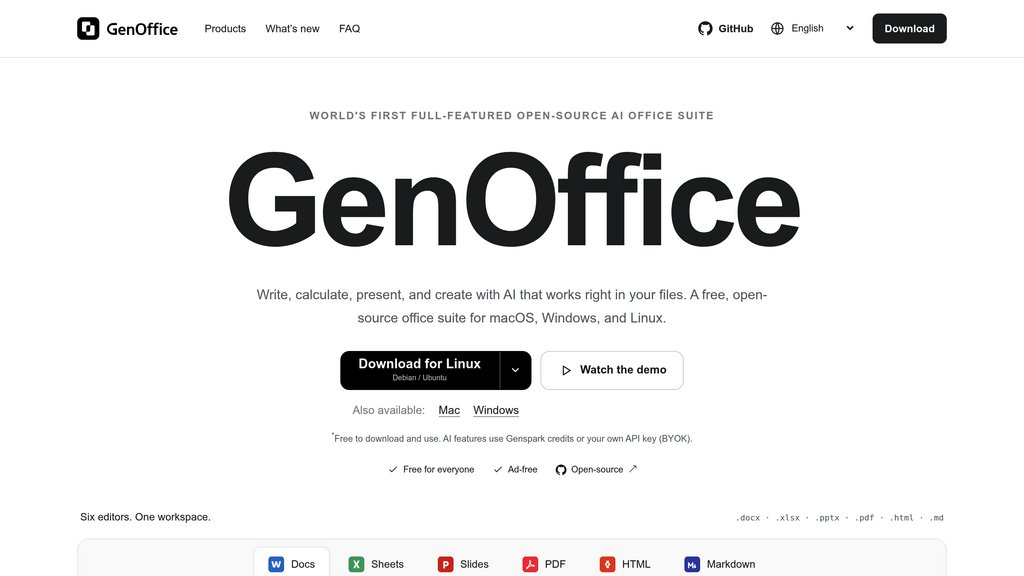
GenOffice brings six file editors into one desktop workspace for macOS, Windows, and Linux. It supports native Office formats, direct PDF editing, local PDF conversion, and prompt-based content creation. Users can work with files locally and connect Genspark or their own model API keys for document-aware AI assistance. The office tools are free, while AI usage may incur separate charges.
Key Features
Native Document Editing
Open and save .docx files, with prompt-based drafting, rewriting, and restyling of selected sections.
Spreadsheet Tools
Work with .xlsx files using formulas, charts, pivot tables, and slicers, with AI assistance for building spreadsheets.
Editable Presentations
Generate presentations from a topic and refine native .pptx files with slide masters, layouts, and alignment guides.
PDF Editing and Conversion
Edit PDF text and images, add annotations, fill forms, and convert PDFs locally into editable Office files.
HTML and Markdown Editors
Create self-contained HTML pages with PDF or Word export, and edit Markdown notes with tables and code blocks.
Flexible AI Integration
Connect Genspark or your own model API keys for document-aware assistance and block-level edits with snapshots and change comparisons.
Use Cases
- Business Document Preparation : Draft and revise proposals, reports, and other business documents while keeping the output editable in Word format.
- Budgeting and Data Analysis : Build budget trackers, calculate results, and summarize spreadsheet data with charts and pivot tables.
- Presentation Creation : Turn a topic into an editable slide deck for pitches, project updates, or training sessions.
- PDF Reworking : Update existing PDFs or convert their contents into Word, Excel, or PowerPoint files for further editing.
- Lightweight Content Publishing : Create standalone HTML landing pages, reports, and posters, or organize technical notes in Markdown.
FAQs
GenOffice Alternatives

WPS Office
A versatile, AI-powered all-in-one office suite compatible with Microsoft Office formats, offering document, spreadsheet, presentation, and PDF editing across multiple platforms.

办公小浣熊
Comprehensive office assistant that combines document editing, data analysis, and knowledge management in a unified workspace.

Tencent WorkBuddy
Desktop workbench that turns natural-language requests into completed research, documents, presentations, and data tasks.

Skywork AI
Specialized AI office agent platform that accelerates the creation of documents, presentations, spreadsheets, podcasts, and web pages with deep research and multimodal content capabilities.

SlideSpeak
AI-powered presentation creation platform that transforms documents into professional slides, summaries, and interactive content.

Aidocmaker
AI-powered platform for rapid creation of professional documents, presentations, spreadsheets, and voiceovers with customizable, multi-language support.

GPT Workspace
AI-powered productivity tool seamlessly integrated into Google Workspace for enhanced text, data, and email automation.

AnyGen
Professional AI workspace for creating and refining documents, presentations, and data insights through human-AI collaboration.