
BuildMyDiscord
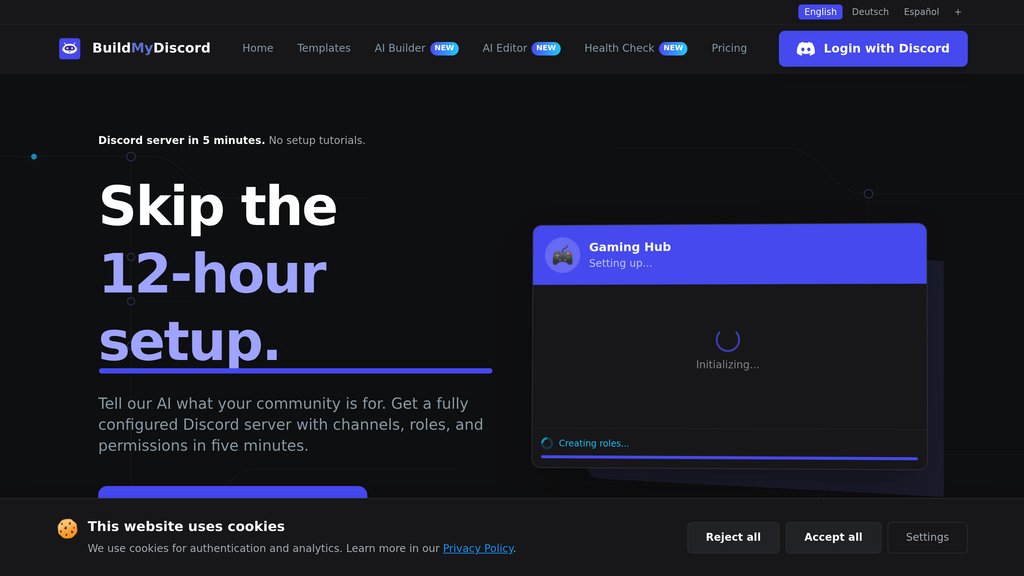
AI-powered Discord server builder that creates complete server structures with channels, roles, permissions, and a management bot from a simple text description in under 3 minutes.
Community:


Product Overview
What is BuildMyDiscord?
BuildMyDiscord is an innovative Discord server creation platform that leverages Claude AI from Anthropic to transform natural language descriptions into fully functional Discord servers. Users simply describe their community's purpose, tone, and requirements, and the AI generates a complete server structure including channels, categories, roles, and permissions in approximately 3 minutes. The platform includes a comprehensive free management bot with 18+ features such as moderation, welcome systems, leveling, tickets, and more. BuildMyDiscord also offers an AI Editor for Pro and Business tiers that allows continuous server editing through natural language commands after deployment. The service is Swiss-built with privacy-first controls, supports 12 interface languages including RTL, and requires no credit card to start.
Key Features
AI-Powered Server Generation
Claude AI transforms natural language descriptions into complete Discord server structures with channels, roles, permissions, and categories in under 3 minutes, understanding context like 'cozy', 'competitive', or 'team-only'.
All-in-One Management Bot
Free included bot with 18+ features: auto-moderation, welcome banners, leveling & XP system, giveaways, support tickets, starboard, temporary voice channels, reaction roles, invite tracking, birthday system, and custom commands.
Live AI Editor
Pro and Business tiers include an AI Editor that stays connected to your published server, allowing continuous edits through natural language commands like 'add a #vip channel' or 'audit my server and fix permission holes'.
White-Label Bot Branding
Business tier offers white-label bot customization, allowing server owners to run everything under their own bot identity with custom name, avatar, and presence so the community never sees the BuildMyDiscord branding.
Flexible Subscription Tiers
Free tier includes 600 one-time AI credits with Claude Haiku 4.5; Pro at $9.99/month offers 13,500 credits and up to 10 servers; Business at $24.99/month provides 34,000 credits with unlimited servers and premium features.
Global & Privacy-First
Native support for 12 interface languages including RTL (Arabic, Hebrew), Swiss-built infrastructure with GDPR compliance, encrypted connections, data-minimization controls, and EU-hosted application infrastructure.
Use Cases
- Gaming Communities : Esports teams, game clans, and roleplay servers can quickly create structured Discord servers with appropriate channels, divisions, roles, and automation systems tailored to competitive or casual gaming environments.
- Content Creator Communities : YouTubers, streamers, and influencers can build professional community servers with welcome systems, leveling, moderation, and engagement features to manage and grow their audience without manual configuration.
- Business & Professional Groups : Companies, VTCs (virtual trucking companies), and professional organizations can create structured servers with proper permission hierarchies, verification systems, and professional layouts for team collaboration.
- Niche Interest Communities : Hobby groups, fan communities, and special interest servers can leverage AI understanding of specific themes (like One Piece pirate servers or trading communities) to create appropriately themed structures.
- Quick Server Deployment : Users who need a functional Discord server rapidly without spending hours on manual configuration can deploy a complete, professional server in under 3 minutes with AI handling all technical setup.
- Ongoing Server Management : Server owners can use the AI Editor to continuously improve and modify their servers through natural language commands, eliminating the need to manually adjust Discord settings or memorize slash commands.
FAQs
BuildMyDiscord Alternatives

Swiftspeed Appcreator
AI-powered no-code platform for rapid creation and deployment of native Android and iOS apps across diverse industries.

CatDoes
Conversational platform that transforms app ideas into production-ready mobile applications through specialized agent workflows.

x1
Guided app studio for planning, designing, building, and launching iPhone apps from one workflow.

Superblocks
Enterprise platform for building and governing internal business apps, letting teams generate production software on company data while IT centrally enforces security and access controls.

Noodl
A full-stack low-code platform enabling rapid creation of custom web applications with extensive flexibility and integration capabilities.

Co.dev
AI-powered platform that transforms natural language descriptions into scalable, full-stack Next.js web applications with full code ownership.

DreamFlow
A platform that transforms text prompts into fully functional Flutter apps within minutes, streamlining app creation.

Idea Link
No-code and low-code development agency delivering scalable digital products rapidly with expert in-house teams and transparent communication.