
Aftershoot
Software de selección y edición fotográfica impulsado por IA, diseñado para acelerar drásticamente el flujo de trabajo de los fotógrafos mientras preserva el control creativo.
Comunidad:


Descripción del Producto
¿Qué es Aftershoot?
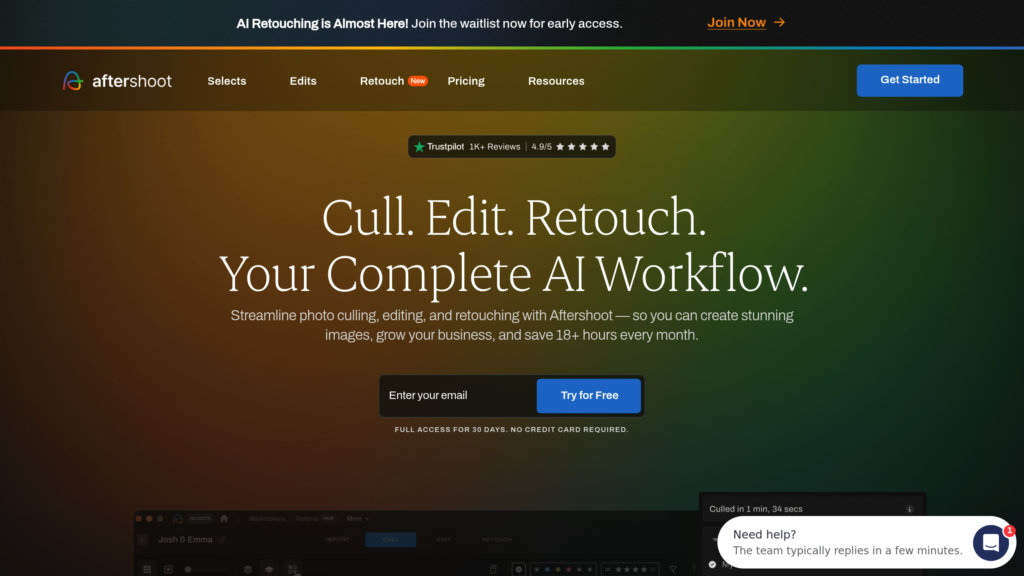
Aftershoot es un software avanzado impulsado por IA que automatiza las tareas tediosas de selección y edición de fotos para fotógrafos profesionales. Utiliza aprendizaje automático para analizar miles de imágenes rápidamente, seleccionando las mejores tomas y aplicando ediciones que coinciden con el estilo único del usuario. La plataforma admite integración con Lightroom y Capture One, funciona sin conexión y ofrece procesamiento ilimitado de imágenes sin cargos por foto. Aftershoot es ideal para fotógrafos que gestionan grandes volúmenes de imágenes, como bodas, eventos y retratos, permitiéndoles ahorrar tiempo y centrarse en el trabajo creativo.
Características Principales
Selección impulsada por IA
Agrupa y puntúa automáticamente las imágenes para identificar las mejores tomas, reduciendo drásticamente el tiempo de selección y permitiendo el control total del usuario.
Perfiles de edición personalizados con IA
Aprende tu estilo de edición personal a partir de tus ediciones previas para aplicar ajustes automáticos consistentes y de calidad profesional.
Funcionalidad sin conexión
Funciona localmente en Windows y macOS sin necesidad de conexión a Internet, permitiendo el flujo de trabajo en cualquier lugar.
Integración fluida
Exporta fotos editadas directamente a Lightroom, Capture One o Photoshop para continuar el post-procesado sin interrupciones.
Uso ilimitado con suscripción
Suscripción mensual fija sin tarifas por imagen, permitiendo selección y edición ilimitadas.
Recorte y enderezado asistidos por IA
Recorta y endereza imágenes automáticamente con intensidad ajustable para ahorrar aún más tiempo de edición.
Casos de Uso
- Fotografía de bodas y eventos : Gestiona grandes lotes de imágenes de manera eficiente, permitiendo una entrega rápida a los clientes sin sacrificar calidad.
- Fotografía de retrato : Mantiene un estilo de edición consistente entre sesiones y agiliza la selección y el retoque.
- Fotoperiodismo profesional : Filtra y edita rápidamente imágenes de sesiones intensas para cumplir con plazos ajustados.
- Fotografía de producto y paisaje : Aunque está optimizado para sujetos humanos, Aftershoot también admite la selección y edición de imágenes de productos y paisajes.
- Negocios de fotografía : Libera tiempo dedicado a tareas repetitivas, permitiendo a los fotógrafos centrarse en la relación con el cliente y el crecimiento del negocio.
Preguntas Frecuentes
Alternativas a Aftershoot

AutoCropper
Herramienta en línea para el recorte por lotes rápido y preciso de múltiples fotos desde imágenes escaneadas sin esfuerzo manual ni pérdida de calidad.

FilterPixel
Software eficiente de selección y edición de fotos que automatiza la selección y el post-procesamiento para optimizar los flujos de trabajo de los fotógrafos.

Perfect365
Una aplicación líder de maquillaje virtual y belleza que ofrece simulaciones de maquillaje realistas y looks personalizables para fotos y vídeos en directo.

FacePoke
Herramienta online potenciada por IA para la edición en tiempo real de expresiones y rasgos faciales en retratos, con salida en alta resolución.

Depositphotos
Una plataforma global líder de contenido de stock que ofrece más de 240 millones de imágenes, vectores, videos y archivos de audio libres de regalías, con licencias flexibles y herramientas impulsadas por AI.

Canopy
Aplicación integral de control parental que filtra contenido inapropiado en tiempo real y proporciona funciones de seguridad digital familiar.

PlantIn
Aplicación de identificación y cuidado de plantas impulsada por IA, con planes personalizados, diagnóstico de enfermedades y soporte de botánicos expertos.

FaceIQ Labs
Una plataforma de medición facial y superación personal que analiza más de 100 métricas en cuatro pilares estructurales, ofrece un plan de mejora personalizado y realiza un seguimiento del progreso a lo largo del tiempo.