
Aera Browser
A desktop browser built for automation — schedule tasks, run multi-step workflows, and connect your existing tools via MCP.
Community:

Product Overview
What is Aera Browser?
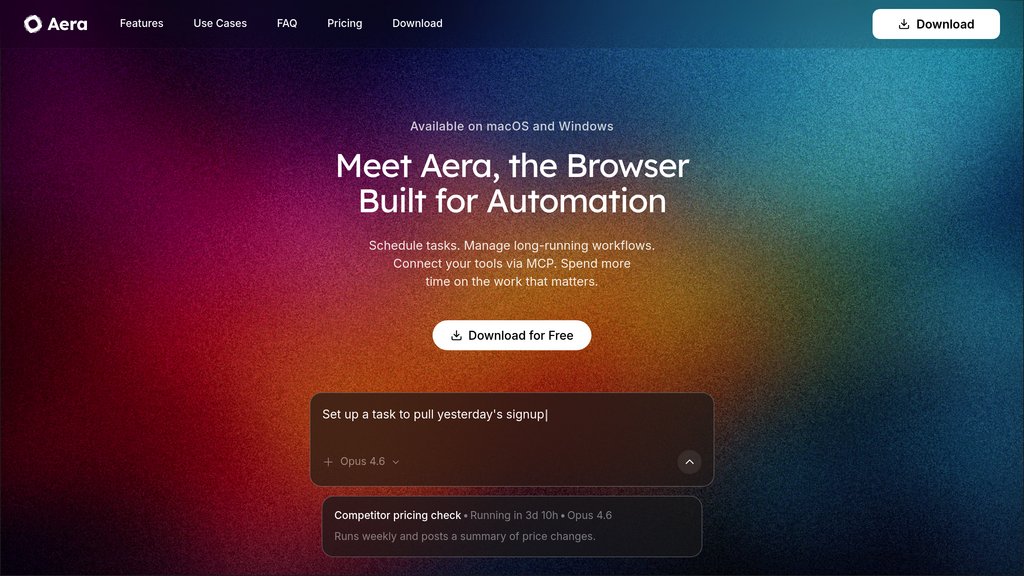
Aera is a desktop browser designed around workflow automation rather than passive browsing. Instead of relying on a chat-style assistant, Aera lets users define tasks, schedule them on a recurring basis, and let the browser execute multi-step workflows autonomously in the background. It supports MCP (Model Context Protocol) integration so teams can trigger browser-based work directly from their existing tools, and it allows users to choose from multiple underlying models without vendor lock-in. With over 8,000 early access testers, Aera targets professionals and teams who want to eliminate repetitive browser chores from their daily routines.
Key Features
Scheduled Task Automation
Define a task once and set it to run daily, weekly, or on a custom cadence — Aera handles execution without manual intervention.
Long-Running Workflow Support
Multi-step workflows run in the background across sessions, with each run picking up from where the last one left off.
MCP Tool Integration
Connect Aera to your existing tools via Model Context Protocol and trigger browser-based tasks directly from those environments.
Real-Time Web Context
Every workflow run pulls fresh web data, ensuring connected tools and automated tasks always operate on current information.
Model Flexibility
Run workflows on the model of your choice and switch models as the landscape evolves — no lock-in to a single provider.
Run Notifications & Summaries
Get notified when tasks complete and review finished runs at a glance, instead of monitoring every step manually.
Use Cases
- Daily Site Monitoring : Professionals who check the same dashboards or websites every morning can let Aera run those checks automatically and surface updates.
- Data Collection & Transfer : Operations and analytics teams can automate scraping, copying, and moving data between tabs, dashboards, and spreadsheets.
- Recurring Form Submissions : Teams dealing with repetitive multi-step forms — such as reporting or data entry workflows — can hand those off to Aera entirely.
- Automated Lead Research : Sales and marketing teams can schedule lead scraping tasks (e.g., from LinkedIn) and compile results without manual browsing.
- Weekly Report Generation : Managers and analysts can automate the collection and compilation of weekly reports from multiple web sources on a set schedule.
FAQs
Aera Browser Alternatives

Gumloop
An intuitive no-code platform enabling users to automate complex workflows with AI integration through a visual drag-and-drop interface.

HARPA AI
A comprehensive AI browser extension integrating multiple AI models for web automation, content creation, and real-time web interaction.

Bardeen AI
AI-powered workflow automation platform that streamlines GTM processes through browser-based task automation and integration with popular business tools.

Twin
Conversational platform that transforms natural language descriptions into automated business agents capable of API integration and browser-based task execution.

Skyvern
AI-powered browser automation platform leveraging LLMs and computer vision to automate complex web workflows across any website.

table.studio
Spreadsheet platform that automates data extraction, enrichment, and analysis through agent-driven cells, ideal for research and content workflows.

Fellou
World's first agentic browser that automates complex workflows and research tasks across multiple platforms with Deep Action technology.

CustomJS.space
A versatile backend API platform enabling custom JavaScript execution for tasks like PDF generation, screenshots, and Airtable automation.